
Best Digen AI Video Generator in 2026: Complete Guide to Free AI-Powered Video Creation
Best Digen AI Video Generator in 2026: Complete Guide to Free AI-Powered Video Creation
Highlights
- 100% Free: Digen AI offers completely free video generation with daily credits
- 5 Million+ Creators: Join millions of users worldwide using Digen AI
- 175+ AI Apps: Access Sora 2, Nano Banana Pro, and more cutting-edge AI models
- Image to Video: Transform static images into dynamic, realistic videos
- Lip Sync Technology: Create videos with realistic mouth movements and audio sync
- No Watermark: Export clean, professional videos without watermarks
- Multilingual Support: Available in multiple languages for global creators
Table of Contents
- What is Digen AI?
- Key Features of Digen AI
- How to Use Digen AI for Free Video Generation
- Digen AI vs Other AI Video Generators
- Pricing and Credits
- Step-by-Step Tutorial
- Tips for Creating Best-Quality Videos
- Frequently Asked Questions
- Conclusion
What is Digen AI?
Digen AI (digen.ai) is a revolutionary free AI video generator that has taken the creative world by storm. With over 5 million creators already on the platform, Digen AI has become one of the most popular tools for generating professional-quality videos without any cost.
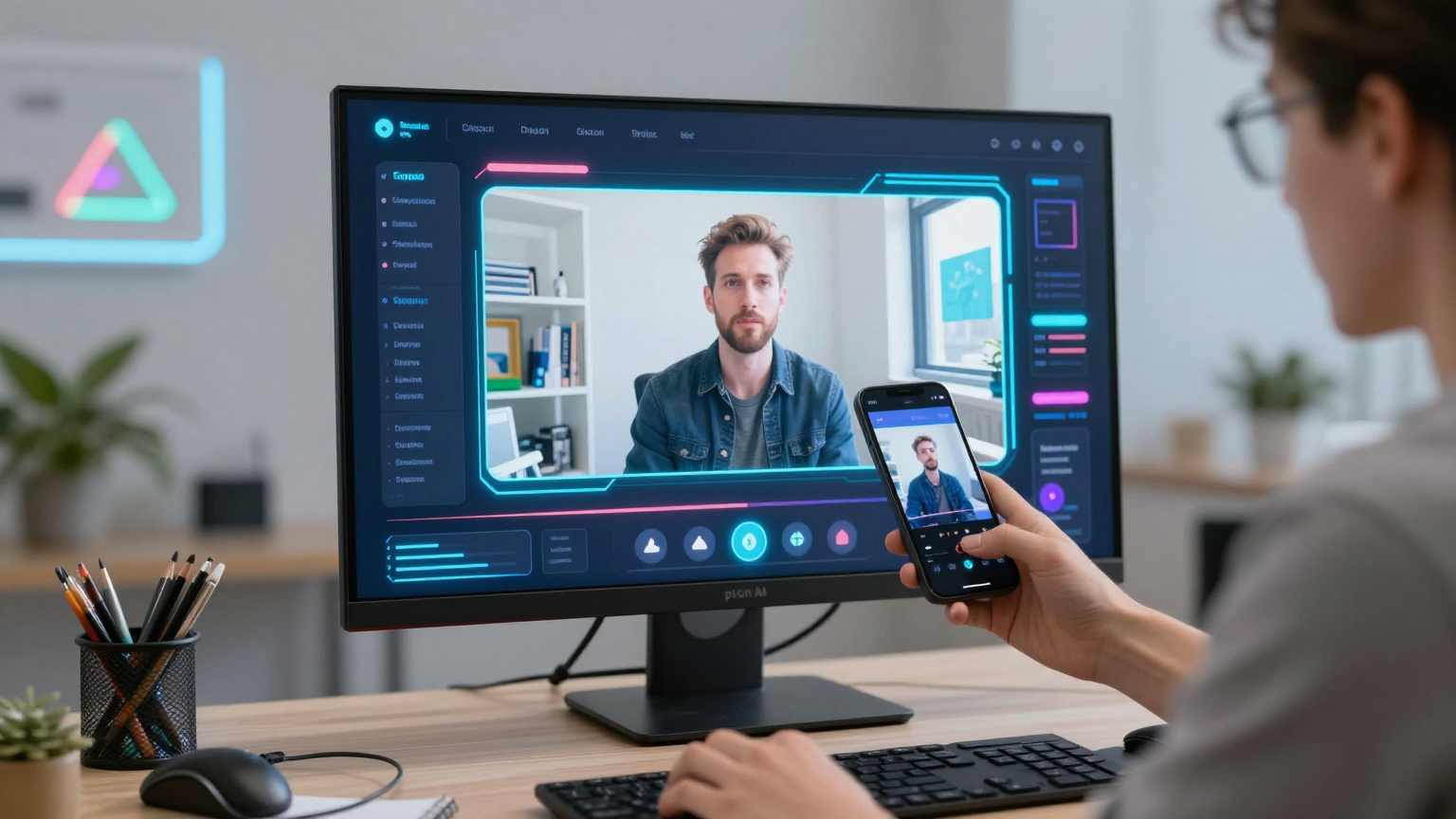
The platform allows users to transform static images into dynamic, realistic videos using advanced artificial intelligence. Whether you want to create engaging social media content, marketing videos, or creative projects, Digen AI provides the tools you need – completely free of charge.
Why Digen AI is Gaining Popularity in 2026
The AI video generation landscape has evolved dramatically in 2026, and Digen AI stands out for several reasons:
- Completely Free Access: Unlike competitors that require expensive subscriptions, Digen AI offers free daily credits
- No Watermark: Export clean videos without any watermarks
- Advanced Technology: Access to cutting-edge models like Sora 2 and Nano Banana Pro
- User-Friendly Interface: Intuitive design that anyone can use
- Continuous Updates: Regular improvements and new features
Key Features of Digen AI
1. Image to Video Generation
Digen AI’s core feature allows you to transform any static image into a moving video. Simply upload your photo, and the AI will generate a realistic video with natural movements and lip sync.
- Realistic Motion: AI analyzes your image and creates natural movement
- Facial Expressions: Generate videos with realistic facial animations
- Background Animation: Static backgrounds become dynamic scenes
2. Sora 2 Integration
Digen AI offers access to Sora 2, OpenAI’s flagship video and audio generation model. This powerful integration allows creators to:

- Generate high-quality videos from text prompts
- Create cinematic content with professional-grade visuals
- Produce videos with synchronized audio
- Access the latest advancements in AI video technology
3. Nano Banana Pro
The platform includes Nano Banana Pro, Google’s latest image generation model, enabling users to:
- Create stunning images from text descriptions
- Generate high-resolution visuals for video content
- Access cutting-edge image synthesis technology
- Produce professional-quality assets for projects
4. Lip Sync Technology
One of Digen AI’s most impressive features is its realistic lip-sync capability. This technology:
- Matches mouth movements to any audio track
- Supports multiple languages
- Creates natural-looking speech animations
- Works with various voiceover styles
5. 175+ AI Applications
Beyond video generation, Digen AI offers over 175 AI applications, including:
- Image generation and editing
- Audio synthesis
- Text-to-speech conversion
- Animation tools
- Special effects generators
- And much more
6. Mobile Apps
Digen AI is available on both Android and iOS platforms, allowing you to create videos on the go:
- Google Play: Digen: AI Video Generator (rated 2.7 stars)
- App Store: Digen app (rated 2.0 stars)
How to Use Digen AI for Free Video Generation
Getting started with Digen AI is simple and completely free. Here’s how to create your first AI video:
Step 1: Visit Digen AI
Navigate to the official website at digen.ai and create a free account.
Step 2: Claim Your Free Credits
New users receive free daily credits to generate videos. The platform offers:
- Free credits upon registration
- Daily credit refresh
- Bonus credits for engagement
- Referral program rewards
Step 3: Choose Your Creation Method
Digen AI offers multiple ways to create videos:
Option A: Image to Video
- Upload any image (photos, AI-generated images, artwork)
- Select your desired motion style
- Add audio or voiceover if desired
- Generate your video
Option B: Text to Video
- Enter your text prompt
- Select video style and duration
- Choose audio options
- Generate your video
Option C: Use AI Apps
- Browse the 175+ available applications
- Select apps like Sora 2 or Nano Banana Pro
- Follow app-specific instructions
- Create and export your content
Step 4: Export Your Video
Once satisfied with your creation:
- Preview your video
- Make any necessary adjustments
- Export in your preferred format
- Download without watermarks
Best Alternatives: CelebrityAI
If you’re looking for a more comprehensive AI video creation platform, CelebrityAI is another excellent option to consider. CelebrityAI offers a range of AI-powered video tools including:
- AI Lip Sync: Create realistic talking videos with any audio
- Image Animation: Bring static images to life
- Seedance 2.0: Text-to-video generation
- Professional Quality: High-resolution exports for commercial use
Visit CelebrityAI to explore their AI video creation tools.
Digen AI vs Other AI Video Generators
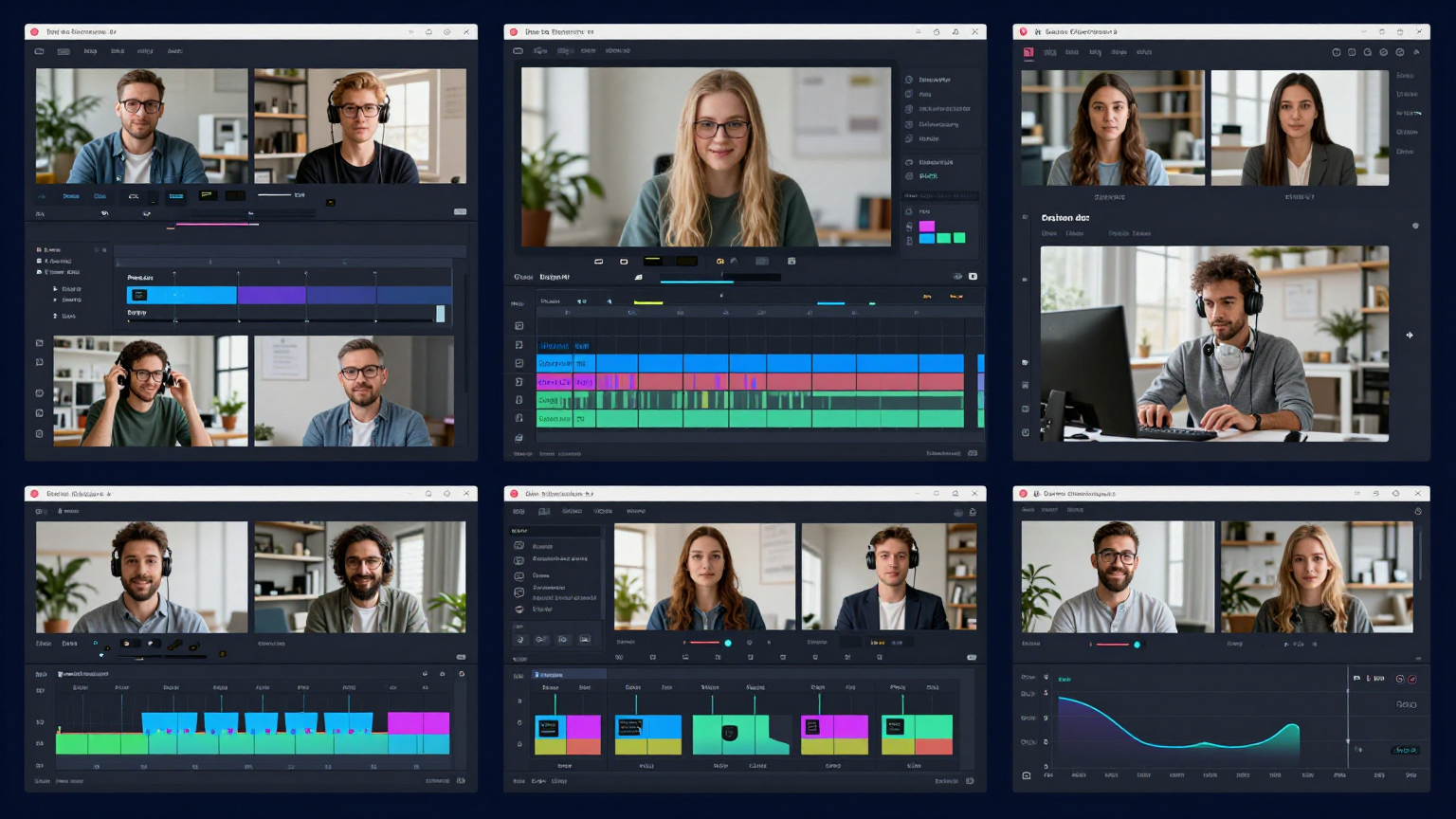
Here’s a comprehensive comparison of Digen AI with other popular AI video generators in 2026:
| Feature | CelebrityAI | Digen AI | RunwayML | HeyGen | Synthesia |
|---|---|---|---|---|---|
| Price | Free | Free | $12/month | $30/month | $30/month |
| Lip Sync | Yes | Yes | Yes | Yes | Yes |
| Image Animation | Yes | Yes | Limited | Limited | Limited |
| Text-to-Video | Yes (Seedance) | Yes | Yes | Yes | Yes |
| Watermark | No | No | Yes (Free) | Yes (Free) | Yes (Free) |
| Daily Credits | Yes | Yes | Limited | Limited | Limited |
| AI Models | Multiple | 175+ | 10+ | 20+ | 15+ |
| Mobile App | Web-based | Yes | No | Yes | No |
| Users | Growing | 5M+ | 1M+ | 500K+ | 300K+ |
Why Consider CelebrityAI
- Specialized Lip Sync: Industry-leading lip sync technology for talking videos
- Multiple AI Tools: Access to various AI video generation models
- No Watermark: Professional exports without watermarks
- Growing Platform: Regularly updated with new features
- Easy to Use: Intuitive interface for quick video creation
Try CelebrityAI Today and experience the future of AI video creation!
Pricing and Credits
Free Plan
Digen AI’s free plan offers everything you need to get started:
- Daily Free Credits: Generate videos without paying
- All Core Features: Access to all main functionalities
- No Subscription Required: Use entirely for free
- Export Without Watermark: Professional results
Credit System
The credit system works as follows:
| Action | Credits Required |
|---|---|
| Basic Video Generation | 10-30 credits |
| High-Quality Export | 20-50 credits |
| Lip Sync Video | 30-60 credits |
| Sora 2 Generation | 50-100 credits |
| Nano Banana Pro Image | 15-40 credits |
How to Get More Credits
- Daily Login: Earn credits by logging in daily
- Complete Tasks: Finish platform challenges
- Refer Friends: Get bonus credits for referrals
- Social Engagement: Share and engage with community
Step-by-Step Tutorial
Creating Your First Image-to-Video
Step 1: Prepare Your Image
- Use a high-quality image (recommended: 1024x1024 or higher)
- Ensure the subject is clearly visible
- Choose images with good lighting
- Avoid heavily filtered or low-resolution photos
Step 2: Upload to Digen AI
- Log in to your Digen AI account
- Navigate to “Create Video” section
- Select “Image to Video” option
- Upload your prepared image
Step 3: Configure Settings
- Choose motion intensity (subtle to dramatic)
- Select animation style
- Add optional audio/voiceover
- Set video duration
Step 4: Generate and Review
- Click “Generate Video”
- Wait for AI processing (usually 1-3 minutes)
- Preview the result
- Make adjustments if needed
Step 5: Export
- Select your export quality
- Choose format (MP4, MOV, etc.)
- Download your watermark-free video
- Share on your preferred platform
Using Sora 2 on Digen AI
- Access the AI Applications section
- Find and select “Sora 2”
- Enter your text prompt
- Choose video style and length
- Generate and export
Adding Lip Sync
- Create or upload your base video
- Navigate to “Lip Sync” feature
- Upload your audio file
- Select language and voice settings
- Generate synchronized video
Tips for Creating Best-Quality Videos
Image Selection Tips
- High Resolution: Use clear, high-quality images
- Good Lighting: Natural lighting produces best results
- Centered Subject: Keep your subject in the frame
- Minimal Background: Simple backgrounds work better
- Expression Matters: Images with expressions animate better
Prompt Writing Tips
For text-to-video generation:
- Be Specific: Detailed prompts yield better results
- Describe Actions: Include movement descriptions
- Specify Style: Mention cinematic, anime, realistic, etc.
- Set the Scene: Include environment details
- Time of Day: Specify lighting conditions
Best Practices
- Start Simple: Begin with basic animations
- Experiment Freely: Use free credits to test
- Learn from Community: Watch trending videos for inspiration
- Iterate: Refine your creations through multiple attempts
- Engage: Join the Digen AI community for tips
Frequently Asked Questions
Is Digen AI really free?
Yes, Digen AI offers a completely free plan with daily credits. You can generate videos without paying anything. The platform is funded through premium features and partnerships.
How many videos can I create per day?
The number of videos depends on your credit balance. New users receive enough daily credits to create 3-5 videos per day. You can earn more credits through referrals and engagement.
Does Digen AI add watermarks?
No, Digen AI does not add watermarks to your exported videos. You get clean, professional-quality videos ready for any platform.
What makes Digen AI different from other AI video generators?
Digen AI stands out because:
- It’s completely free with no subscription required
- Offers access to Sora 2 and Nano Banana Pro
- Has a massive community of 5M+ creators
- Provides 175+ AI applications in one platform
- Works on mobile devices (iOS and Android)
Can I use Digen AI for commercial projects?
Yes, you can use videos created with Digen AI for commercial projects. However, always check the current terms of service for any restrictions on specific use cases.
What file formats does Digen AI support?
Digen AI supports common video formats including MP4 and MOV. For images, it accepts JPEG, PNG, and WebP formats.
How long can videos be?
Video length varies based on credits and complexity. Basic free plans typically allow videos up to 30 seconds, while premium features support longer content.
Is there a mobile app?
Yes, Digen AI is available on both Google Play Store (Android) and Apple App Store (iOS).
How does the lip sync feature work?
Upload any audio file, and Digen AI will automatically synchronize the mouth movements in your video to match the audio. The feature supports multiple languages and voice types.
What is Sora 2?
Sora 2 is OpenAI’s latest flagship video and audio generation model. It’s available exclusively on Digen AI and allows users to create high-quality videos from text prompts with professional-grade results.
Conclusion
Digen AI has revolutionized the AI video generation landscape in 2026 by making professional-quality video creation accessible to everyone – completely free of charge. With over 5 million creators, 175+ AI applications, and exclusive access to models like Sora 2 and Nano Banana Pro, Digen AI stands as the best free AI video generator available today.
Whether you’re a content creator, marketer, or hobbyist, Digen AI provides all the tools you need to bring your creative visions to life. The platform’s commitment to offering free daily credits, watermark-free exports, and cutting-edge AI technology makes it an excellent choice for anyone looking to explore AI-powered video creation.
If you’re specifically looking for lip sync technology, also consider CelebrityAI – another powerful AI video platform with industry-leading lip sync capabilities.
Key Takeaways:
- Digen AI offers 100% free video generation
- Access to 175+ AI apps including Sora 2
- No watermarks on exported videos
- Active community of 5M+ creators
- Available on web, iOS, and Android
Start creating your free AI videos today by visiting digen.ai and join millions of creators worldwide.
For professional lip sync videos, also try CelebrityAI – the leading AI lip sync platform.
Ready to explore more AI video tools? Check out our comprehensive guide to best AI lip sync tools and AI video generators for additional resources.