
Krishna Editor
Transform yourself into divine art
Click to Upload
JPG, PNG supported
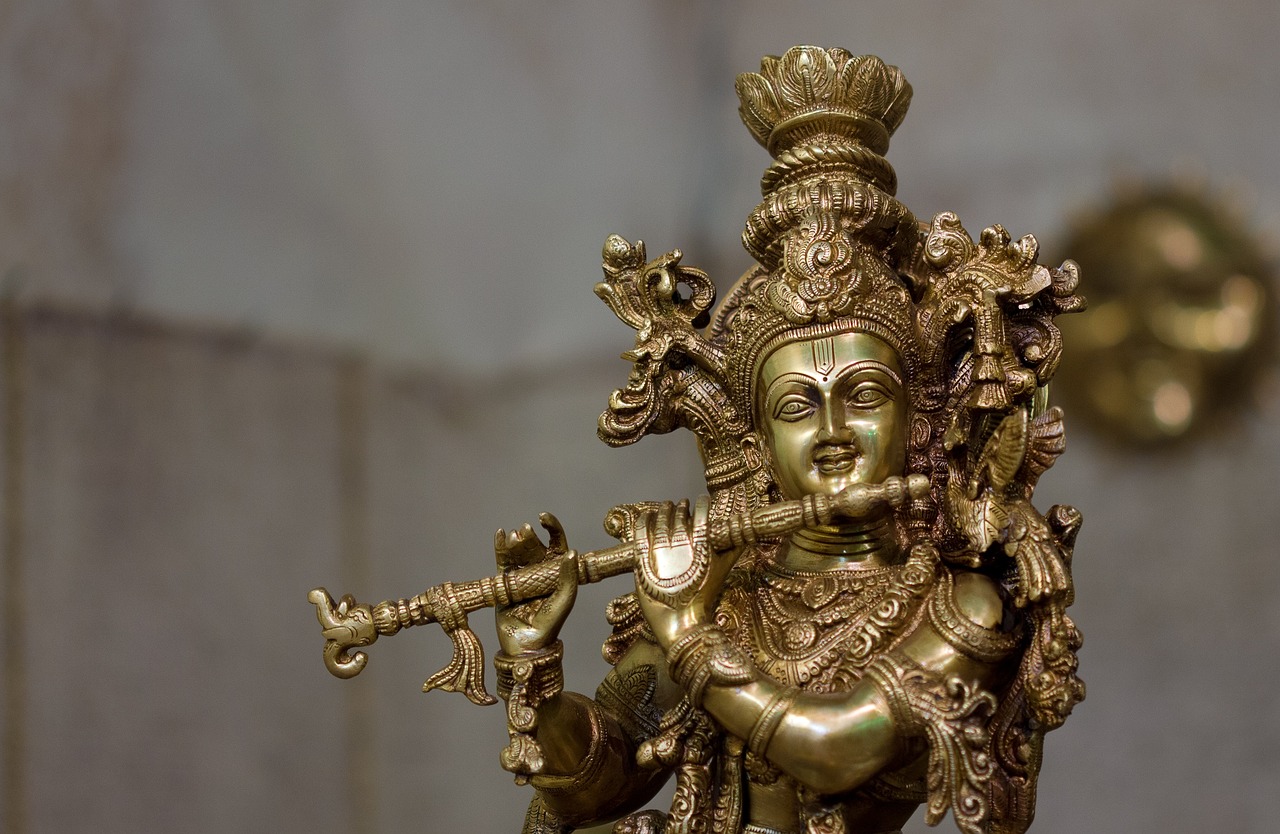
Golden Flute
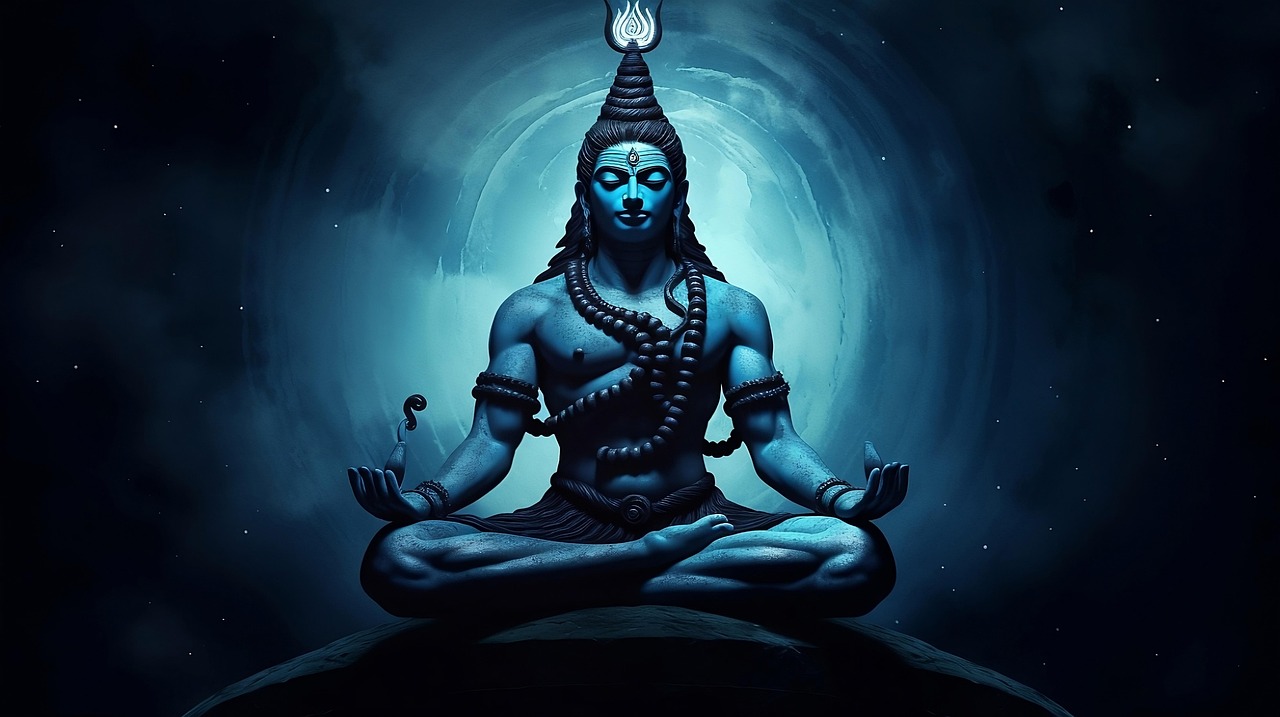
Cosmic Melody
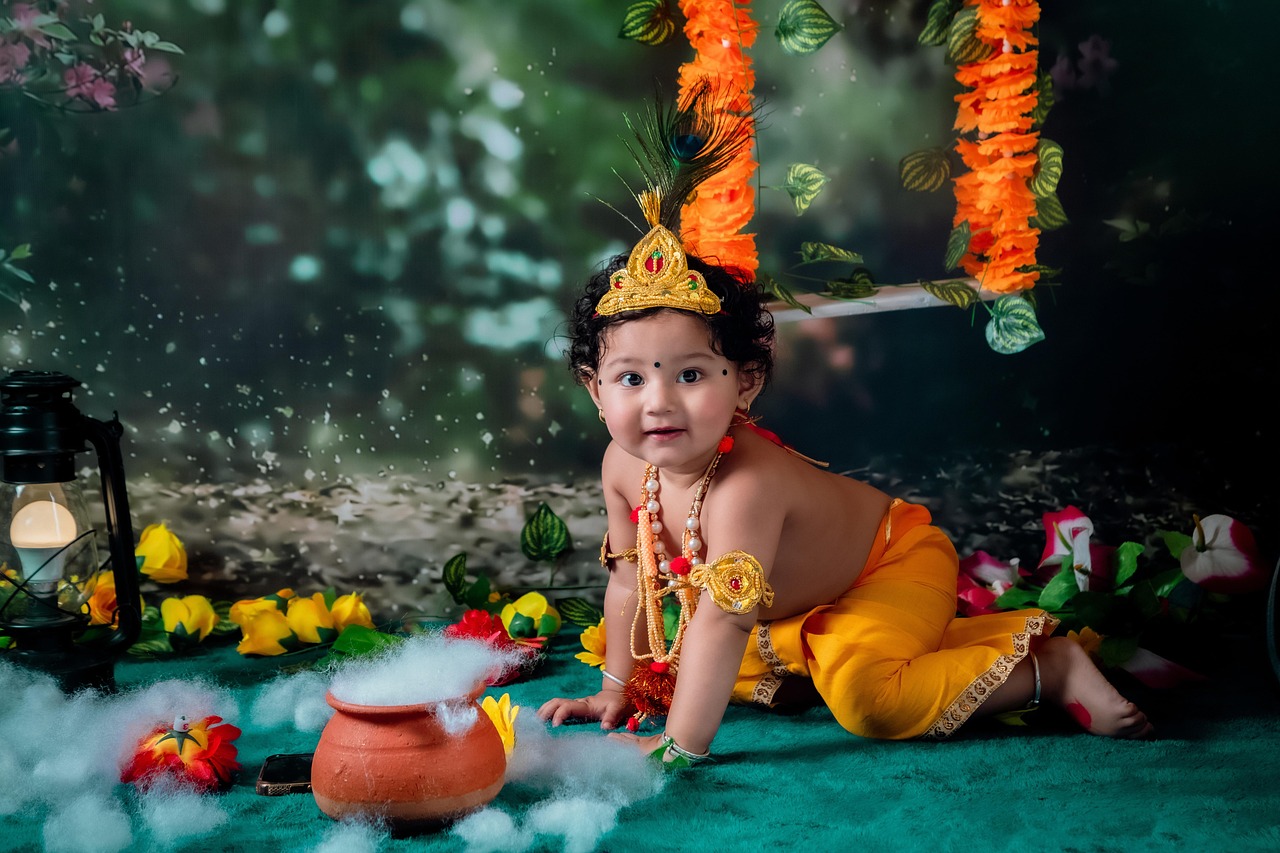
Forest Serenade
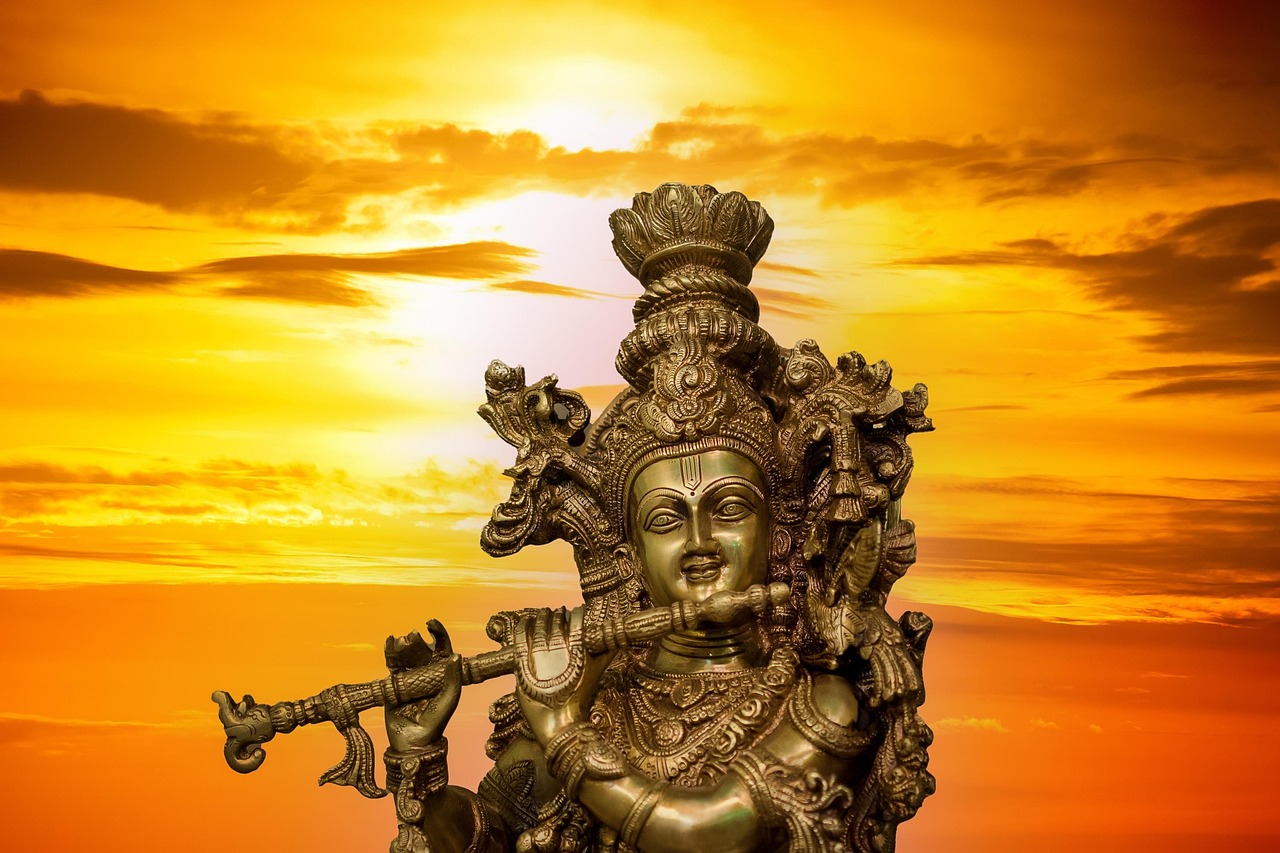
Peacock Crown
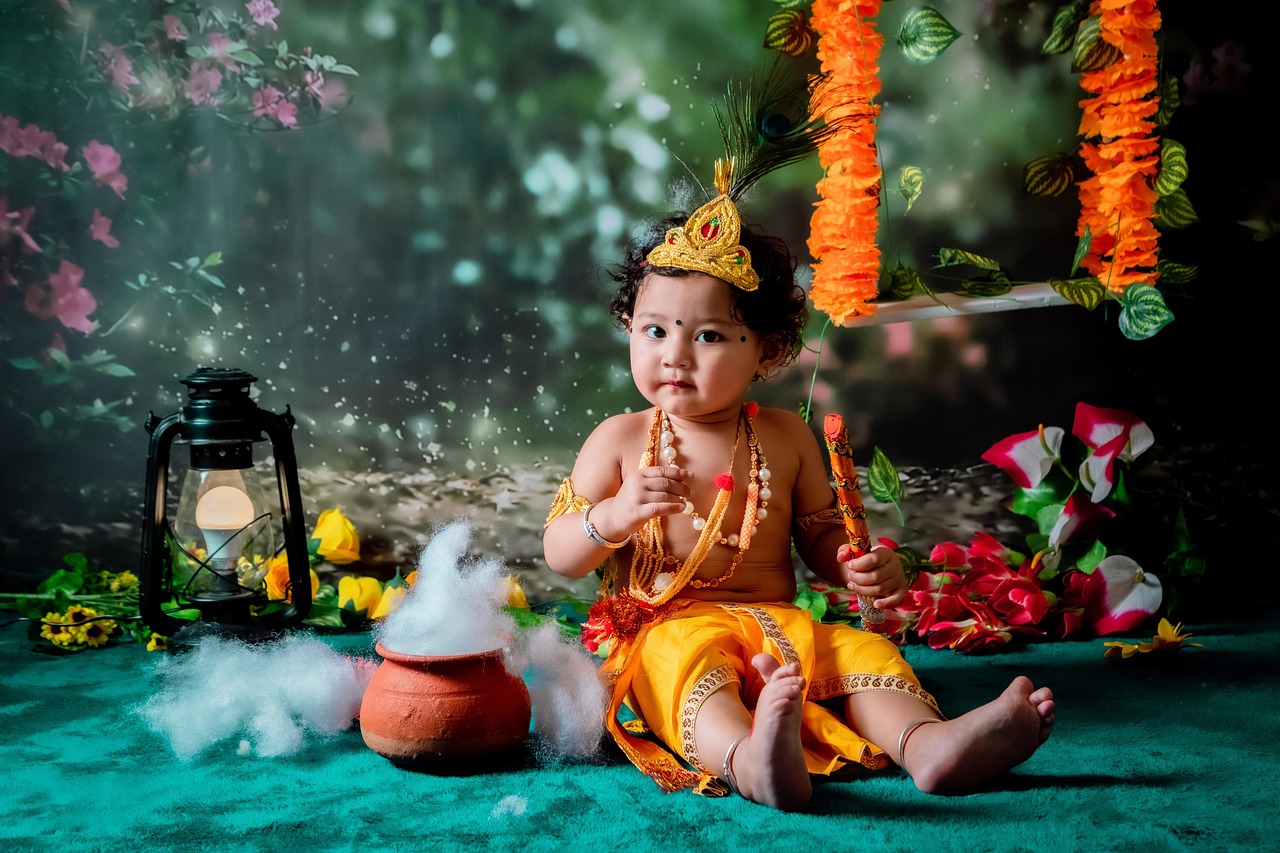
Sunset Bliss
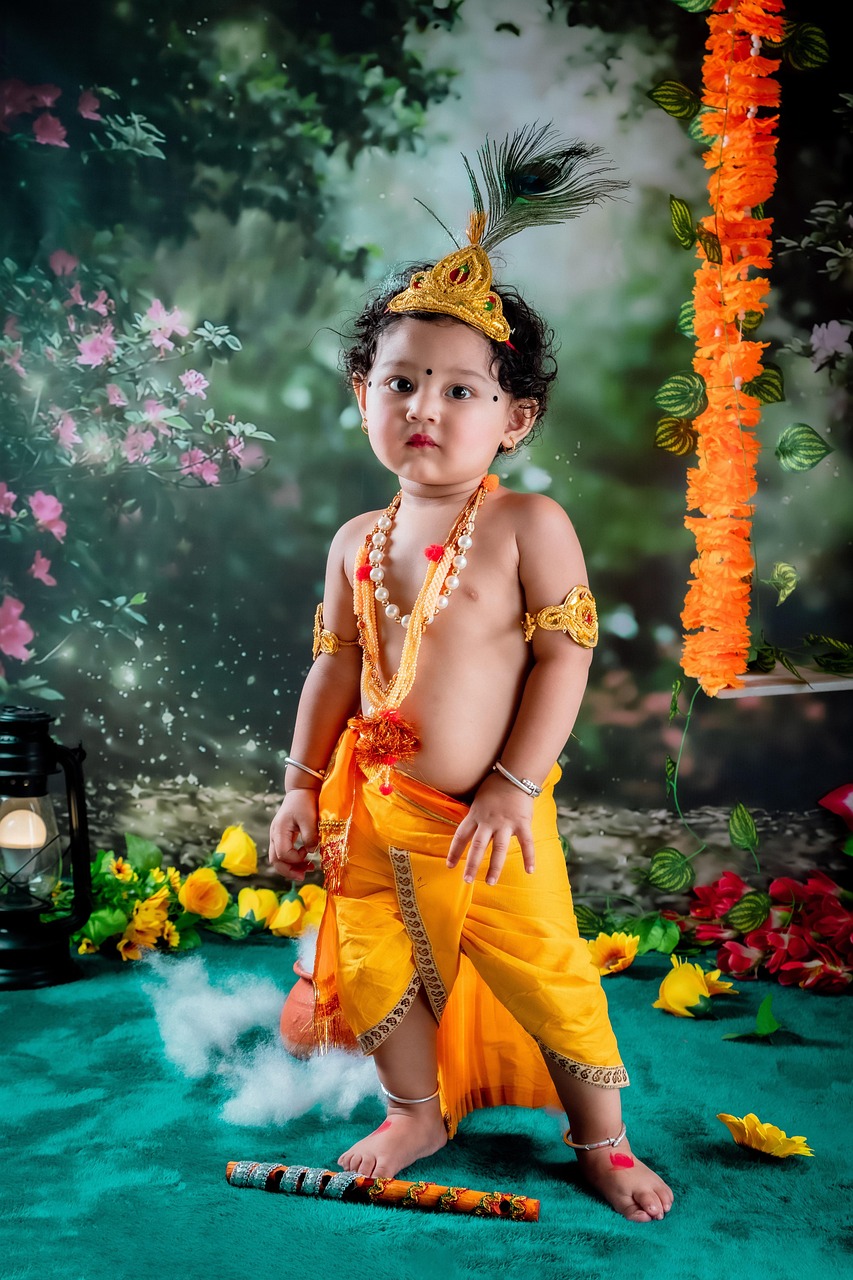
Mystic Tunes
Radha's Love
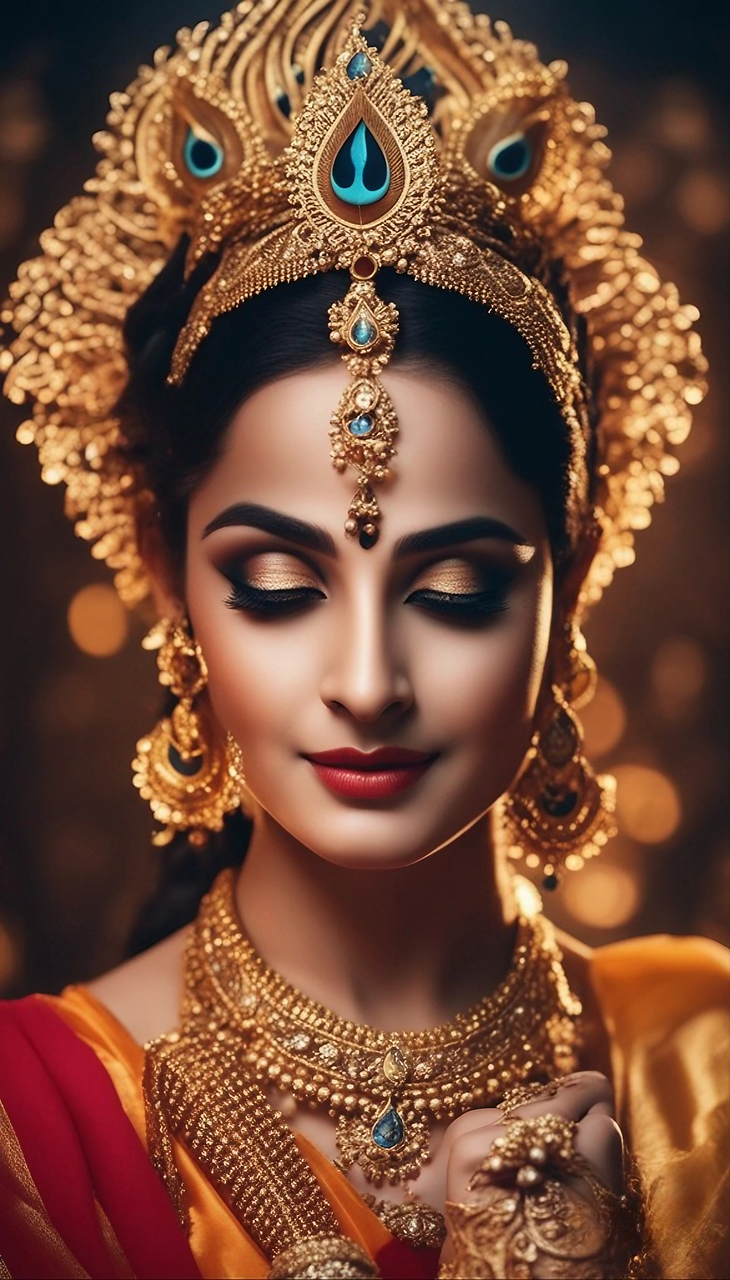
Divine Couple
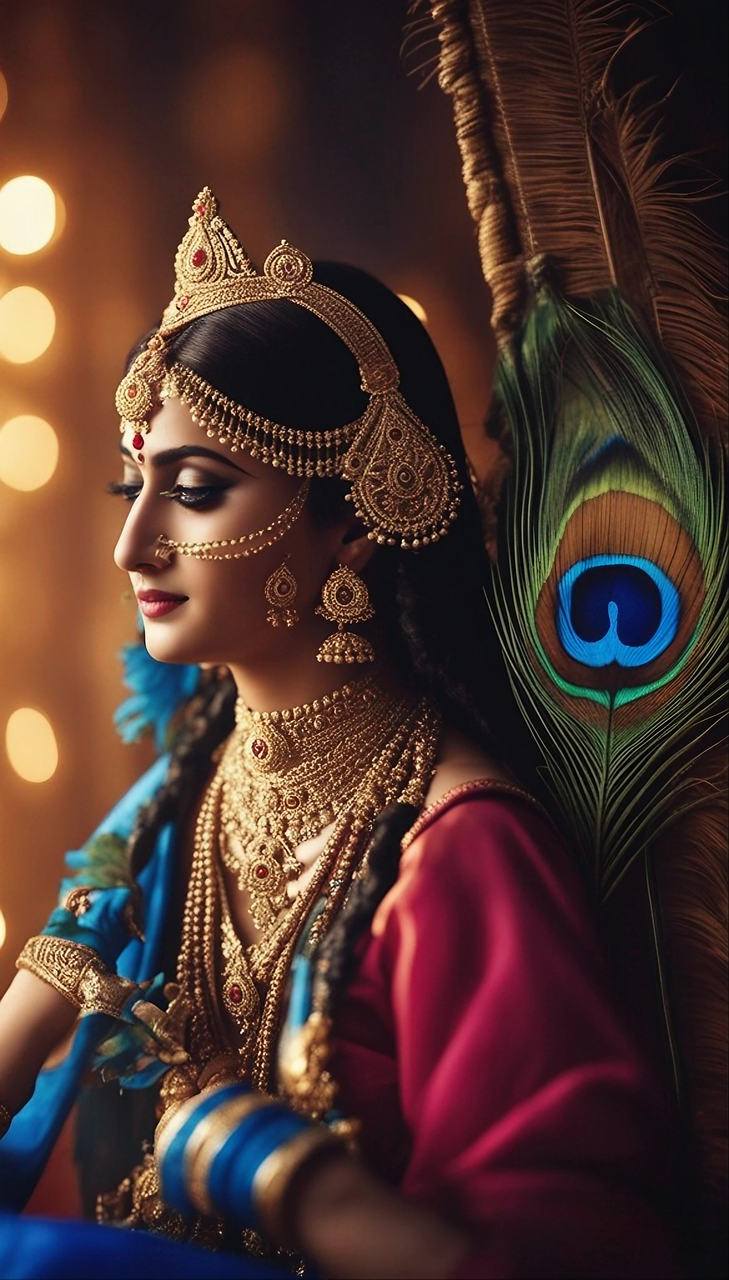
Eternal Bond
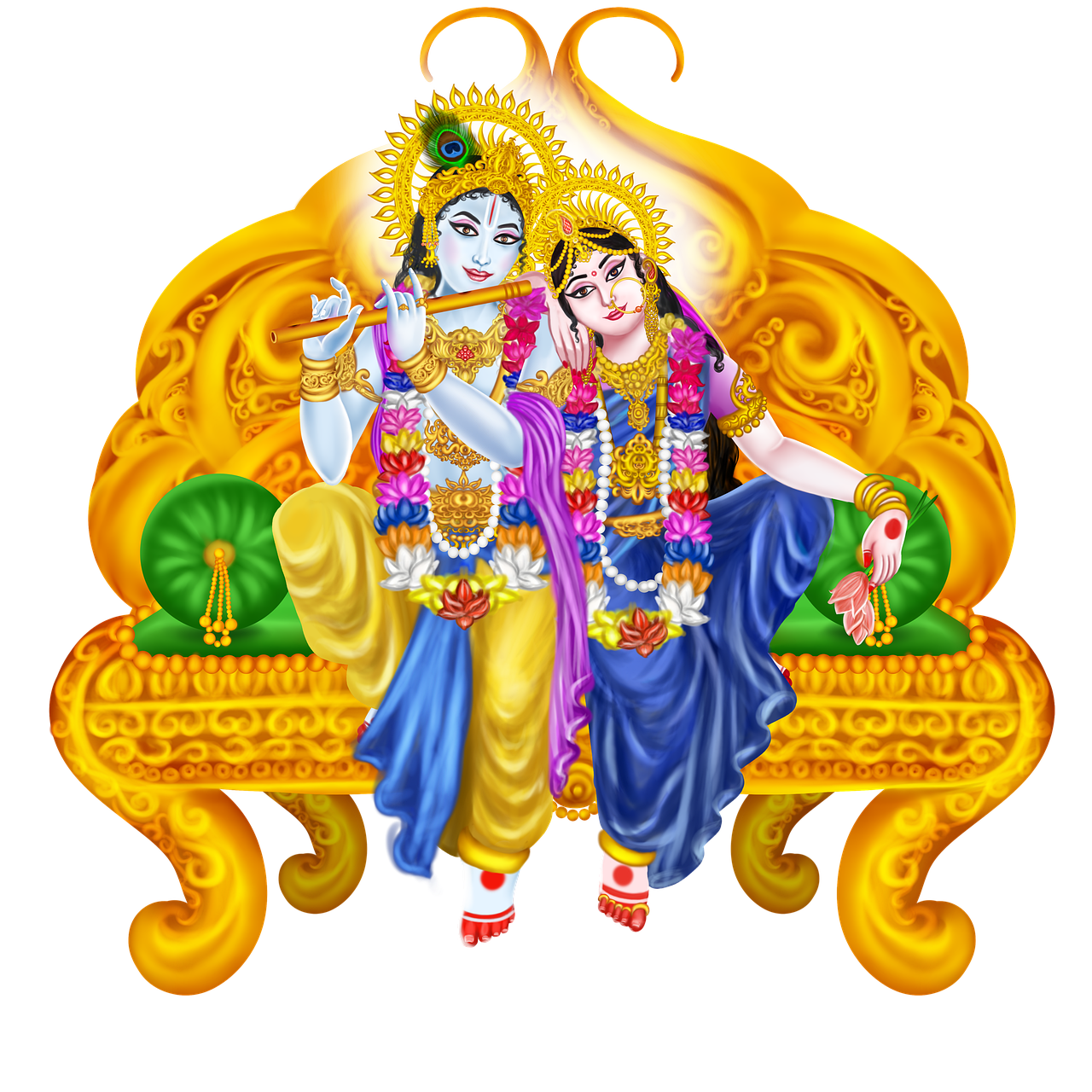
Moonlight Romance
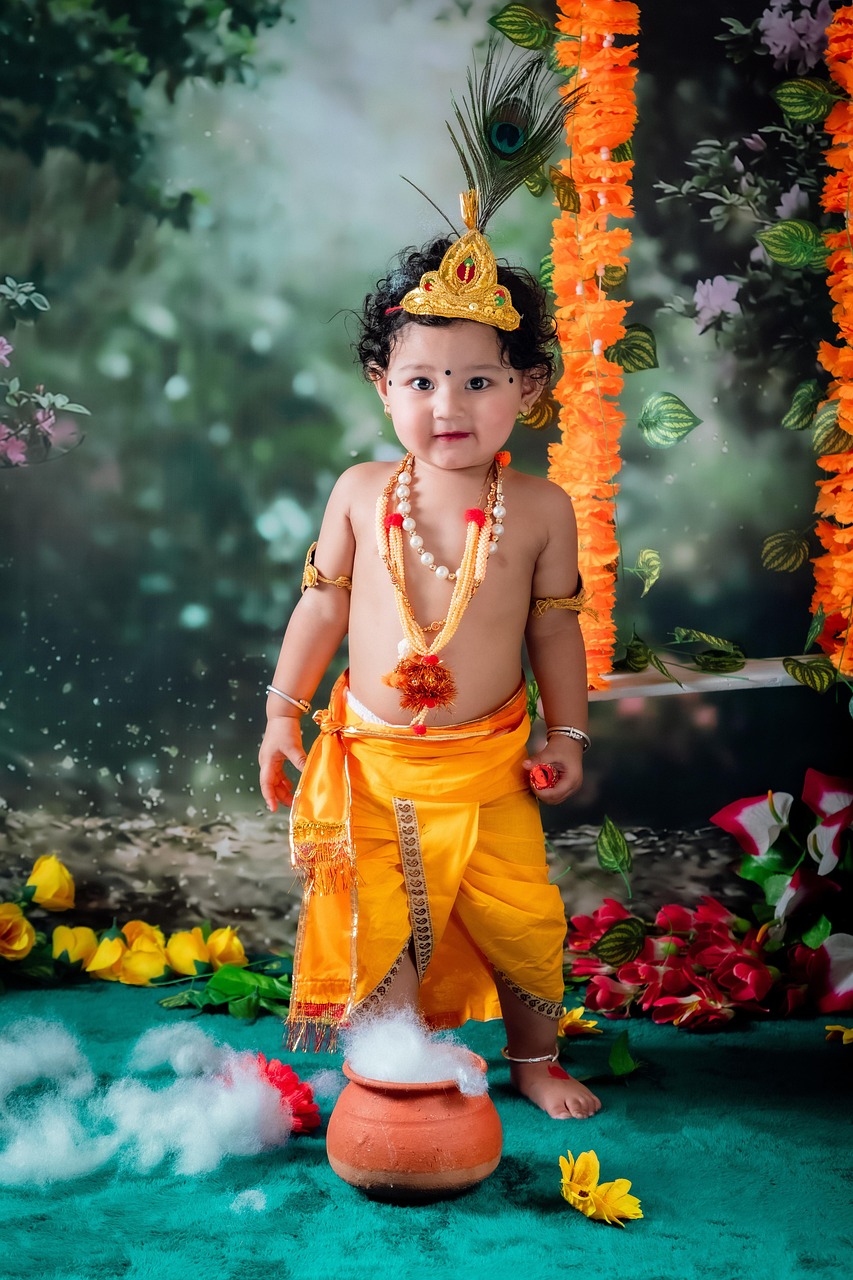
Little Krishna
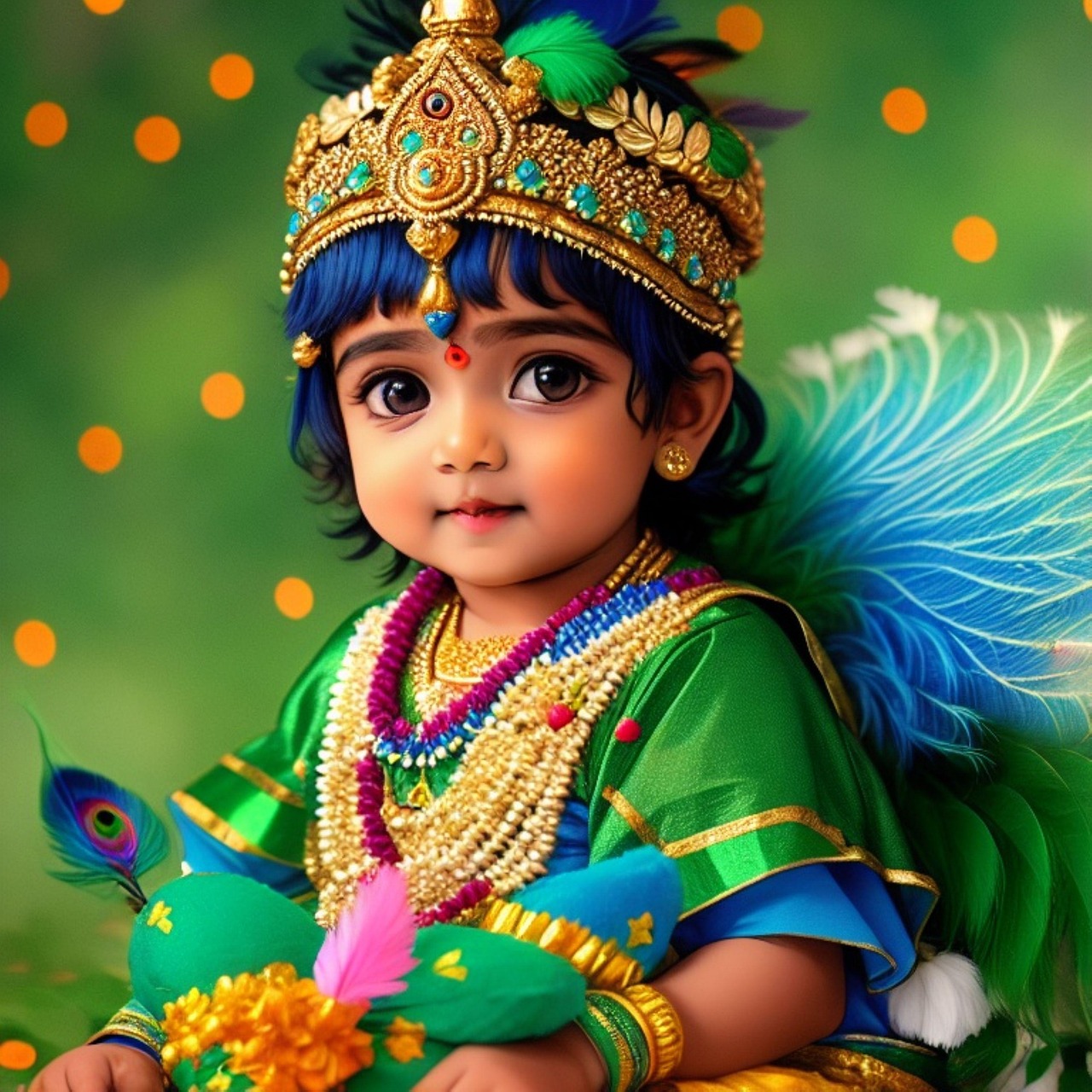
Butter Thief
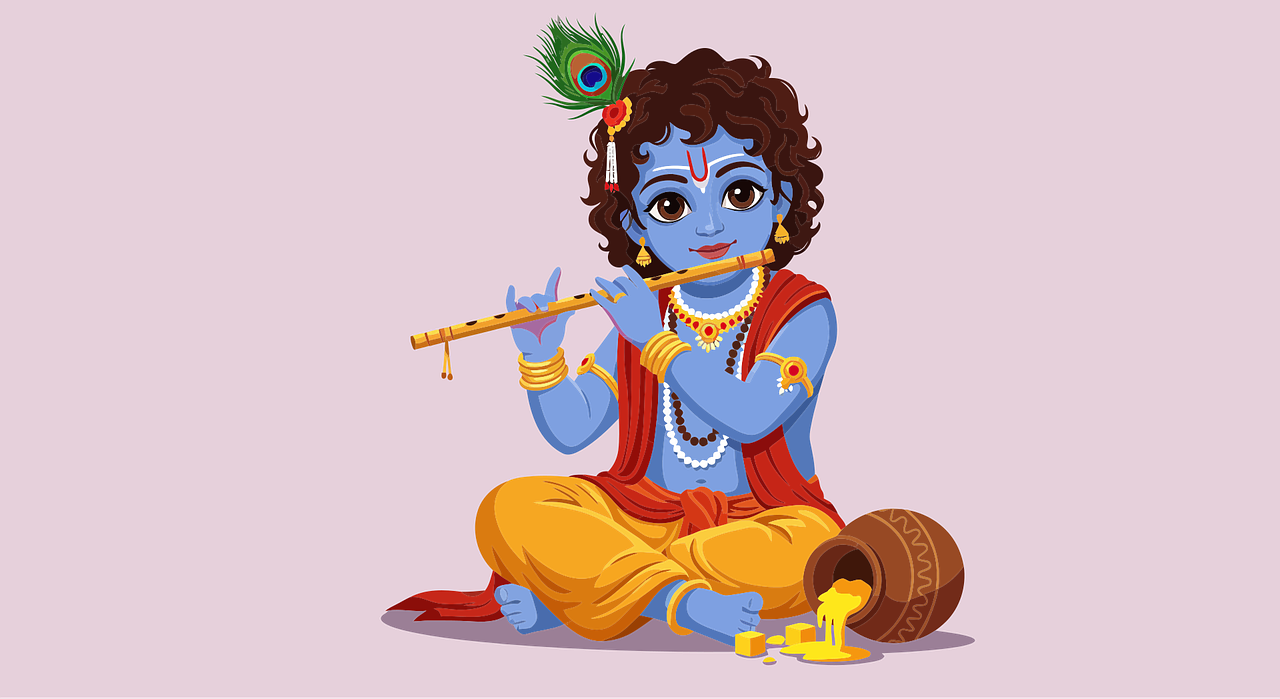
Joyful Child
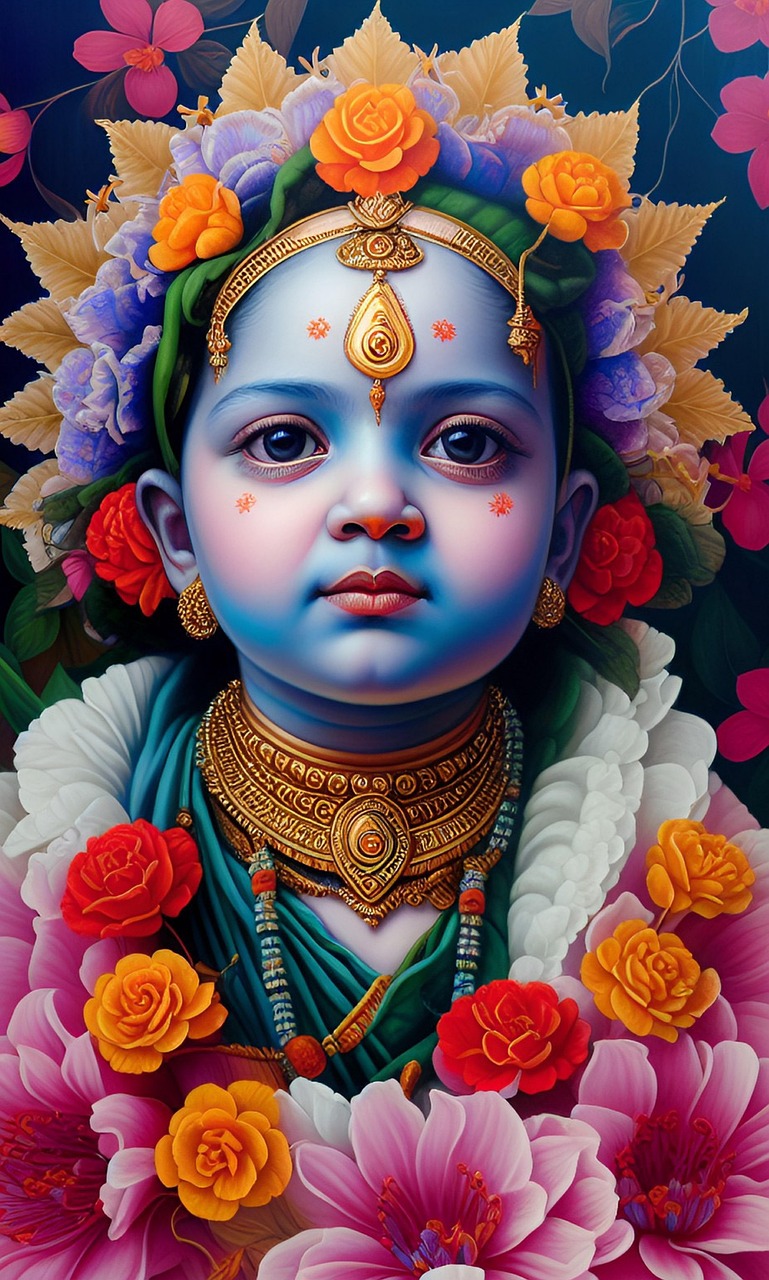
Innocence
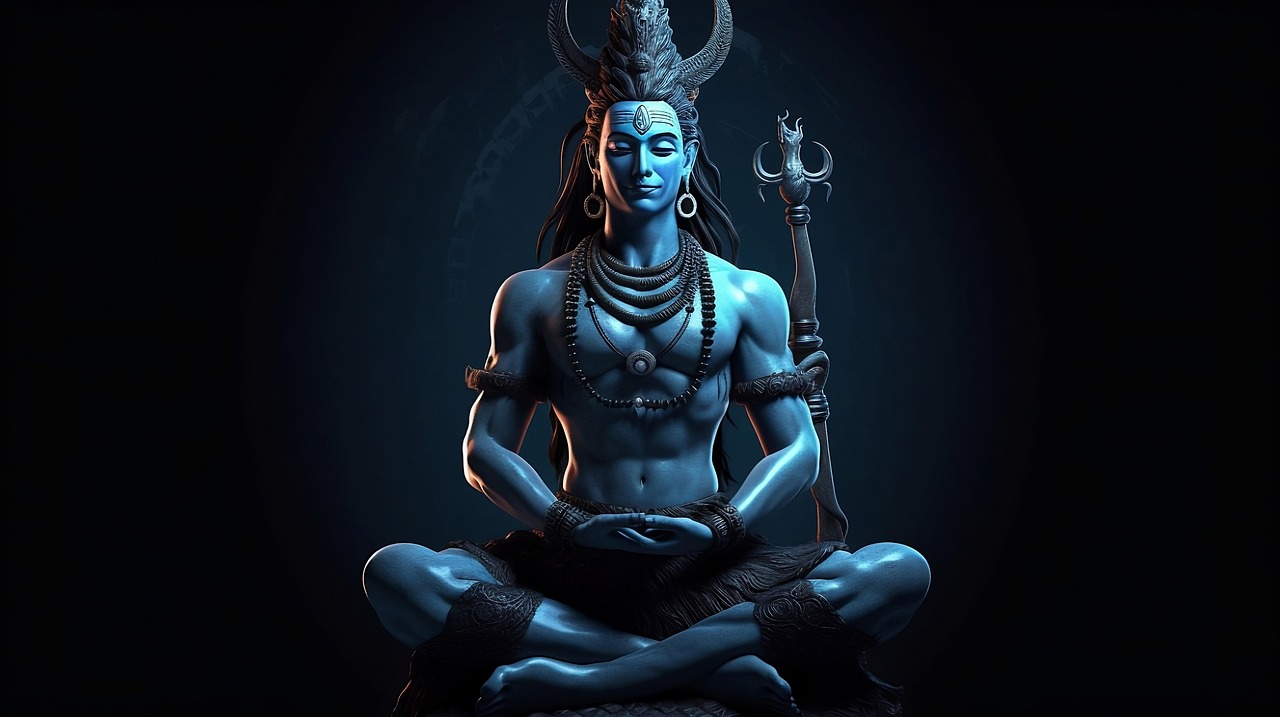
Cosmic Energy
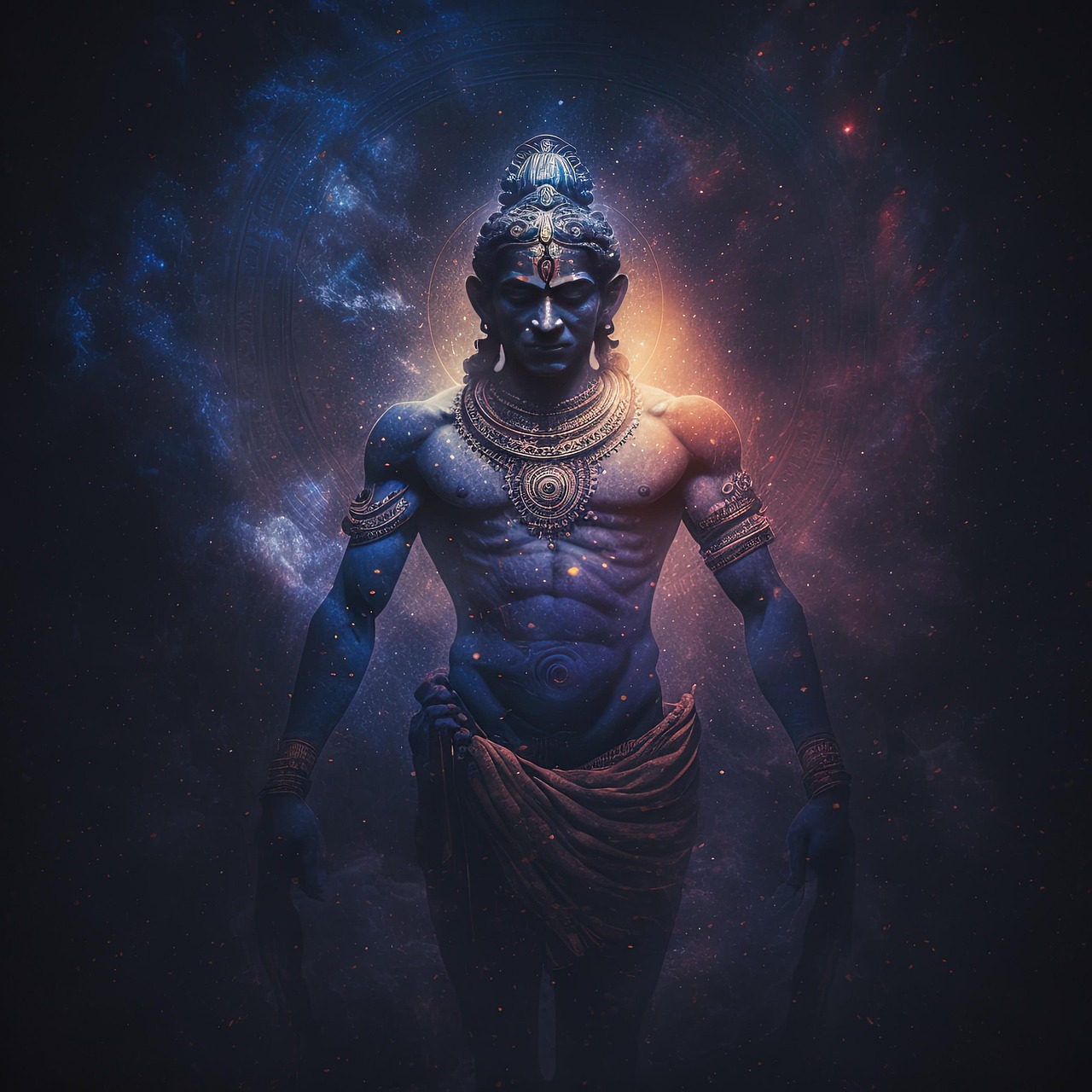
Neon Divinity
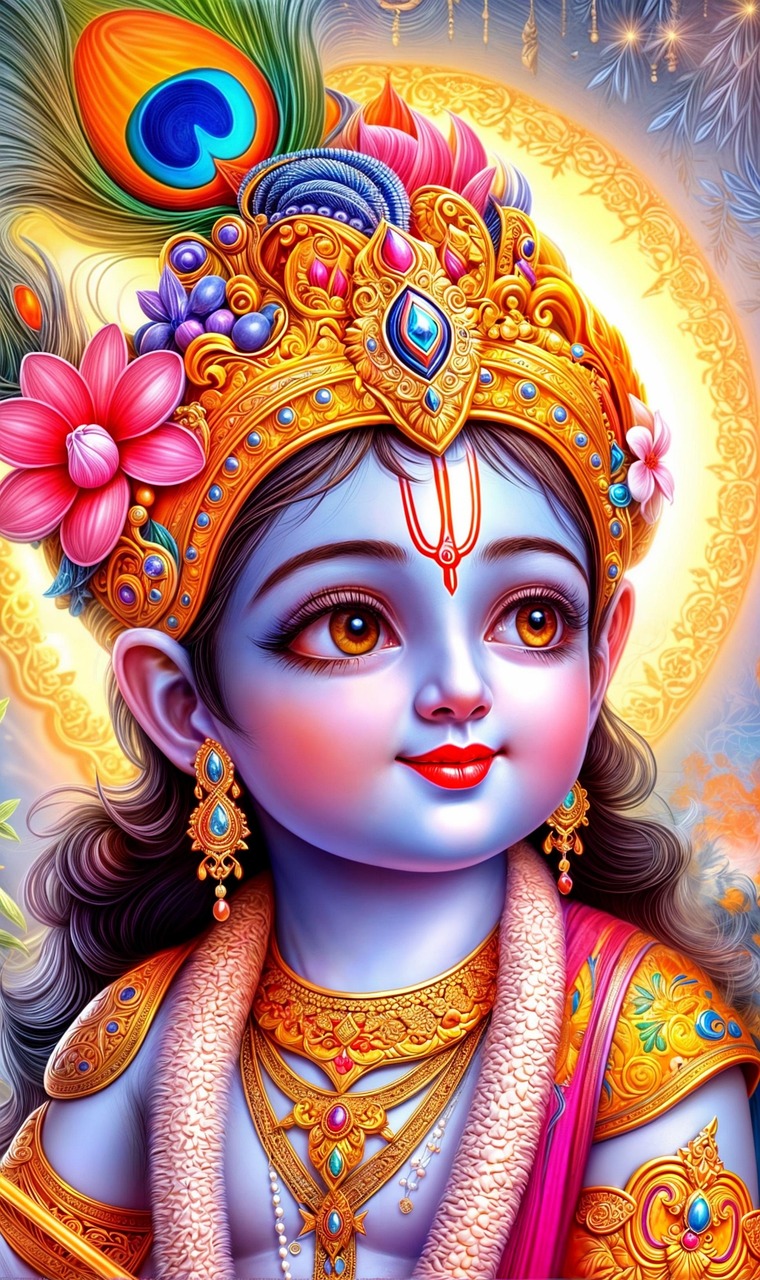
Peacock Dreams
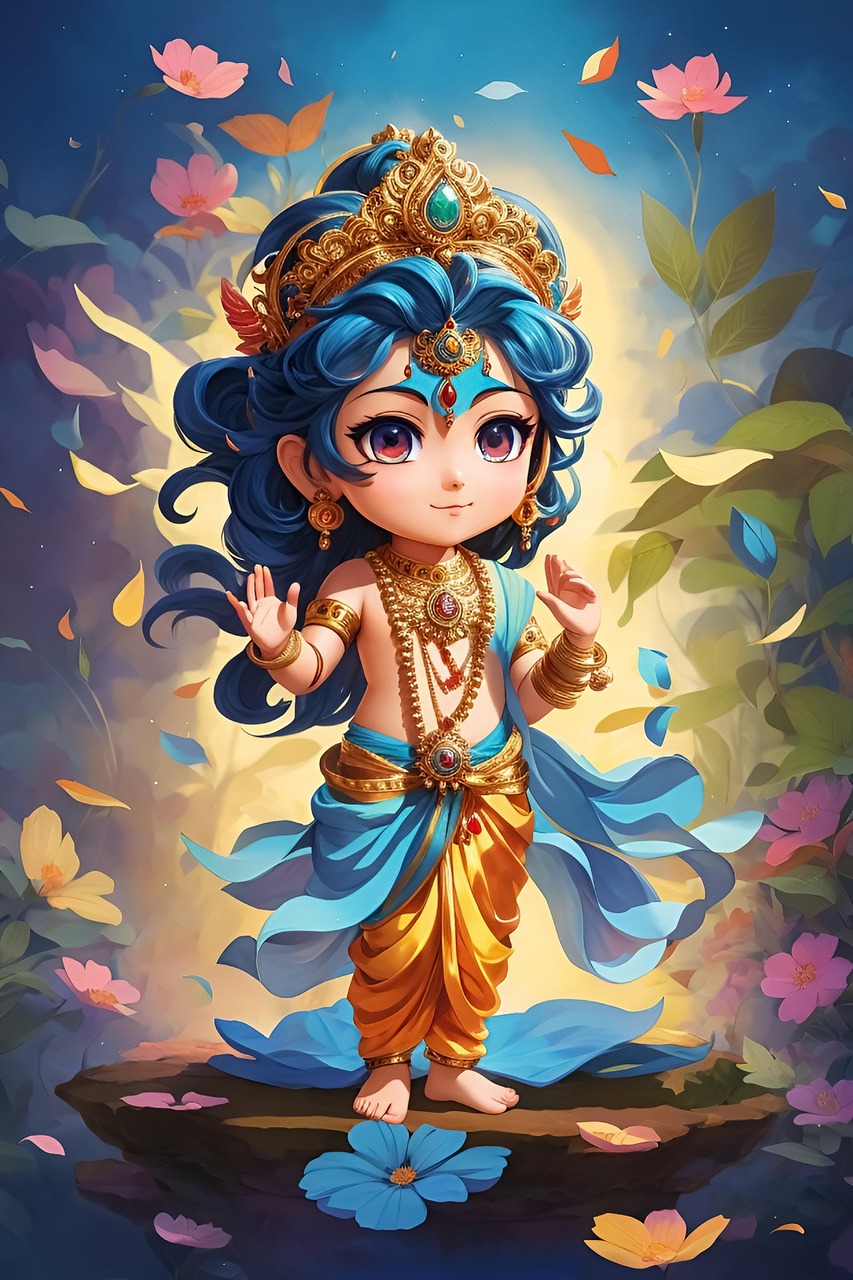
Spiritual Aura
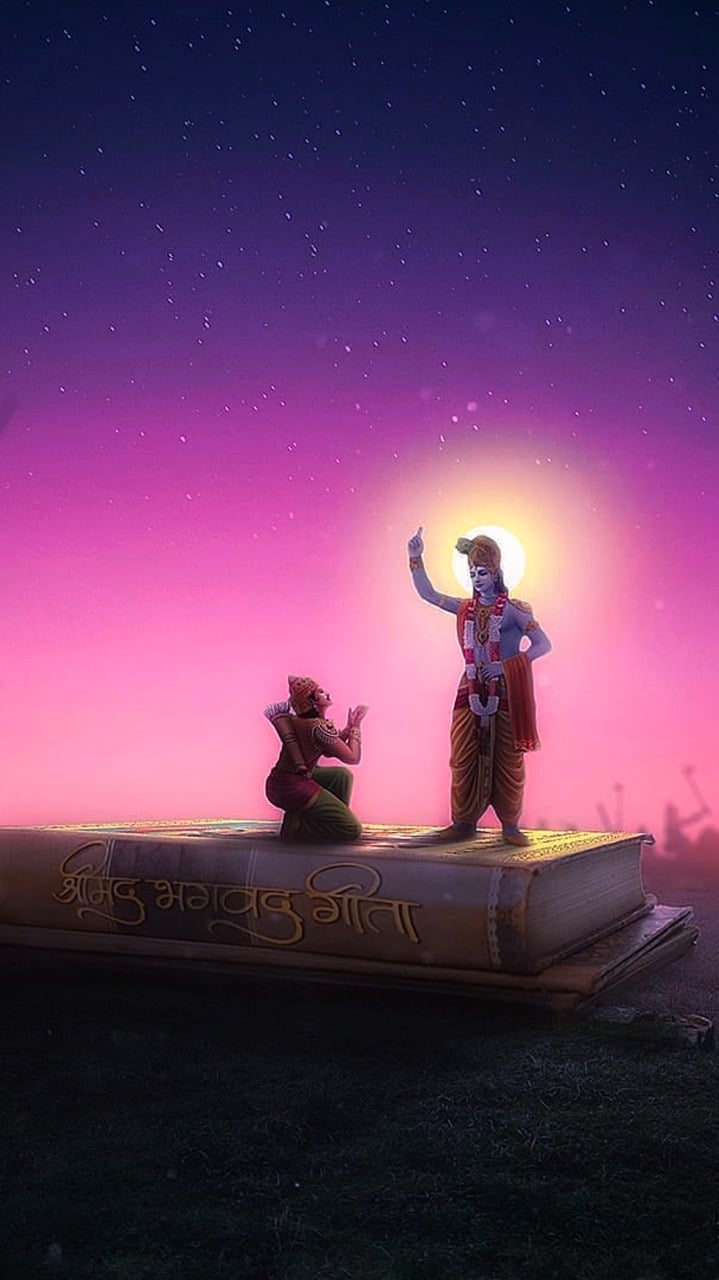
Temple Deity
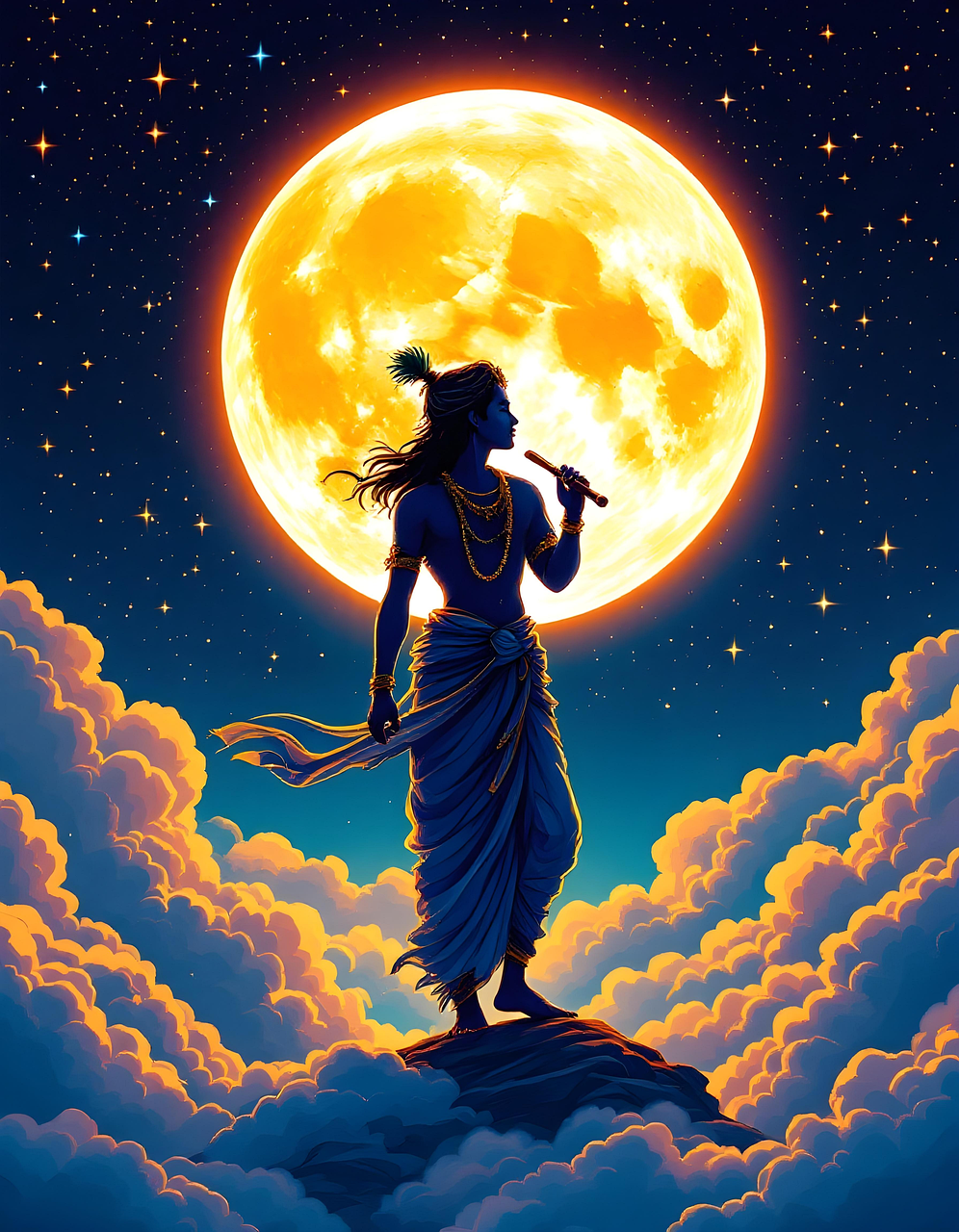
Digital Avatar
Fast GPU Server Ready
Krishna Editor
Transform yourself into divine art
Click to Upload
JPG, PNG supported
Golden Flute
Cosmic Melody
Forest Serenade
Peacock Crown
Sunset Bliss
Mystic Tunes
Radha's Love
Divine Couple
Eternal Bond
Moonlight Romance
Little Krishna
Butter Thief
Joyful Child
Innocence
Cosmic Energy
Neon Divinity
Peacock Dreams
Spiritual Aura
Temple Deity
Digital Avatar
Fast GPU Server Ready
See the Magic
Drag the slider to compare
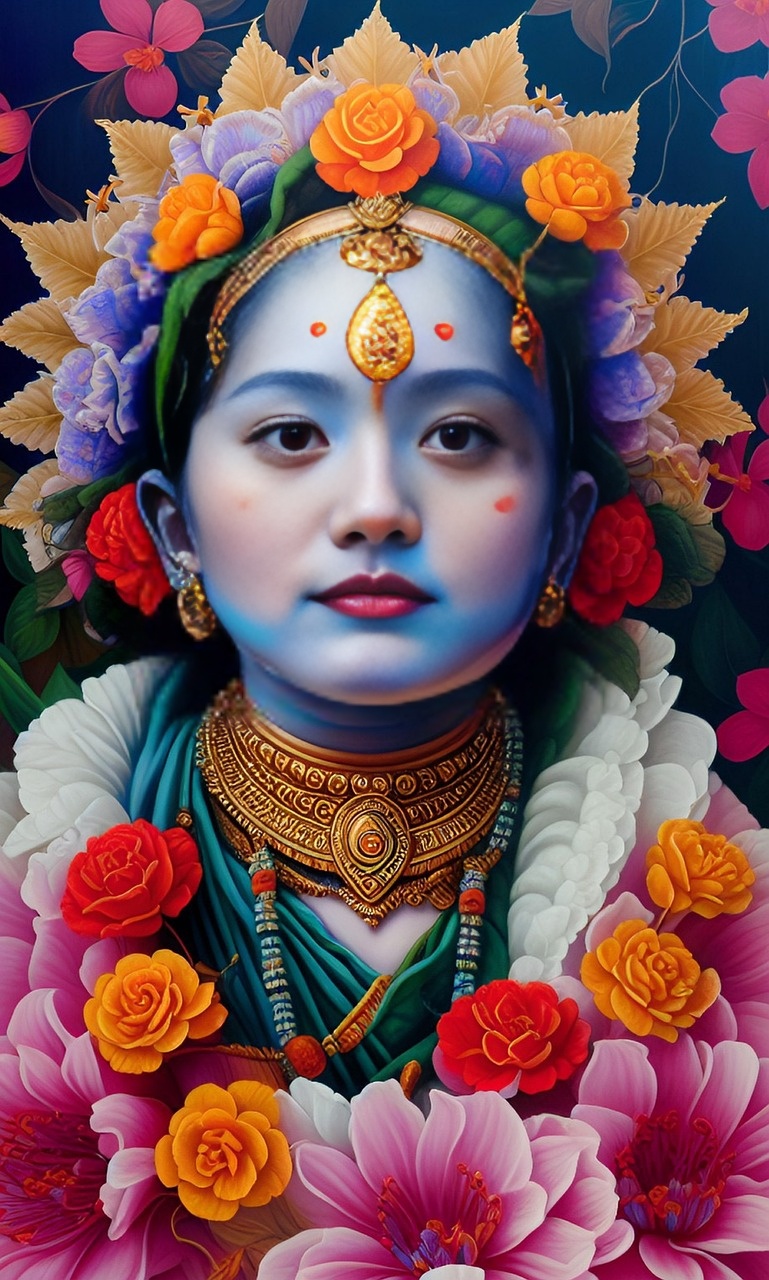
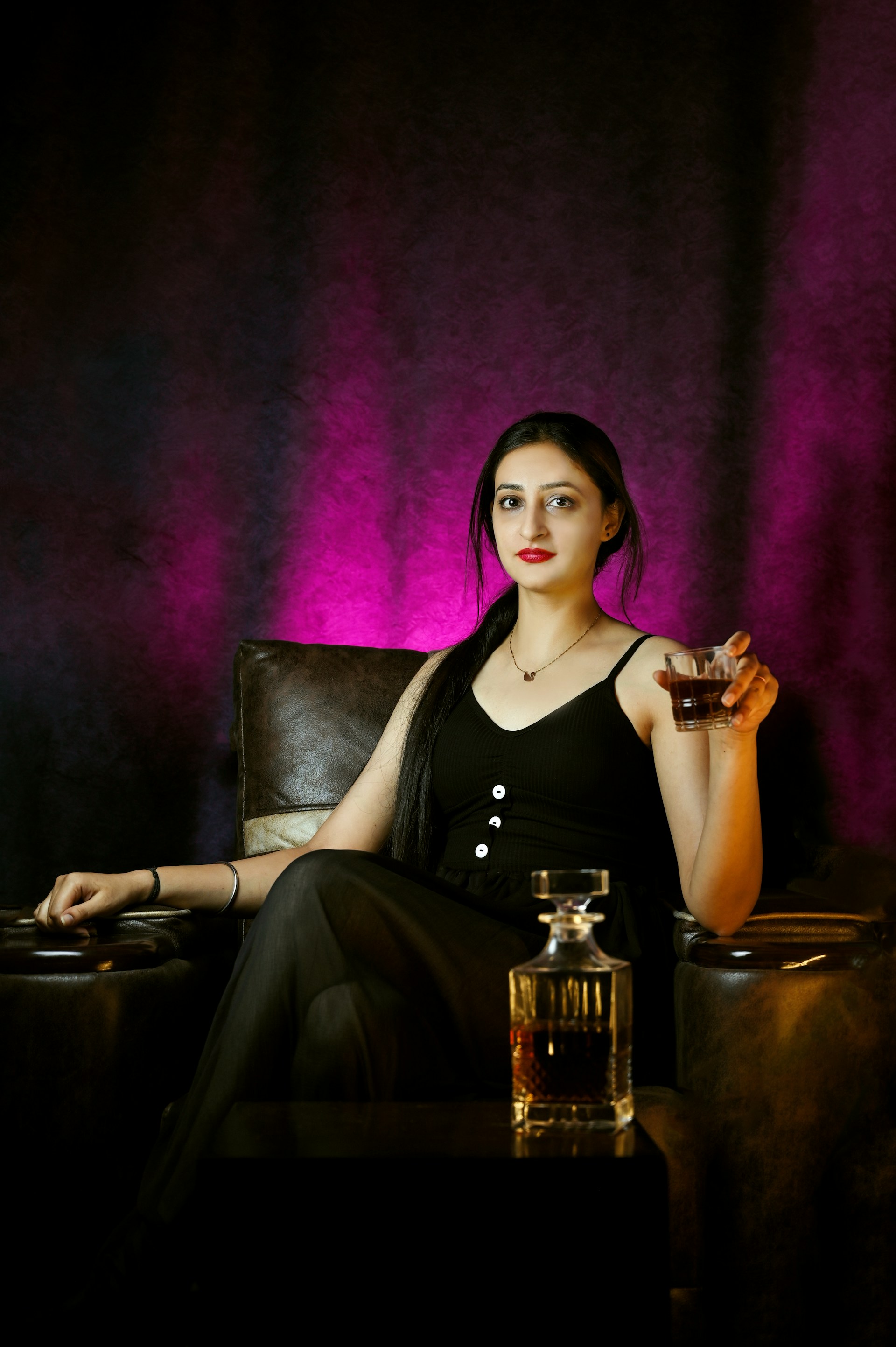
Classic Portrait
Transform everyday photos into divine portraits
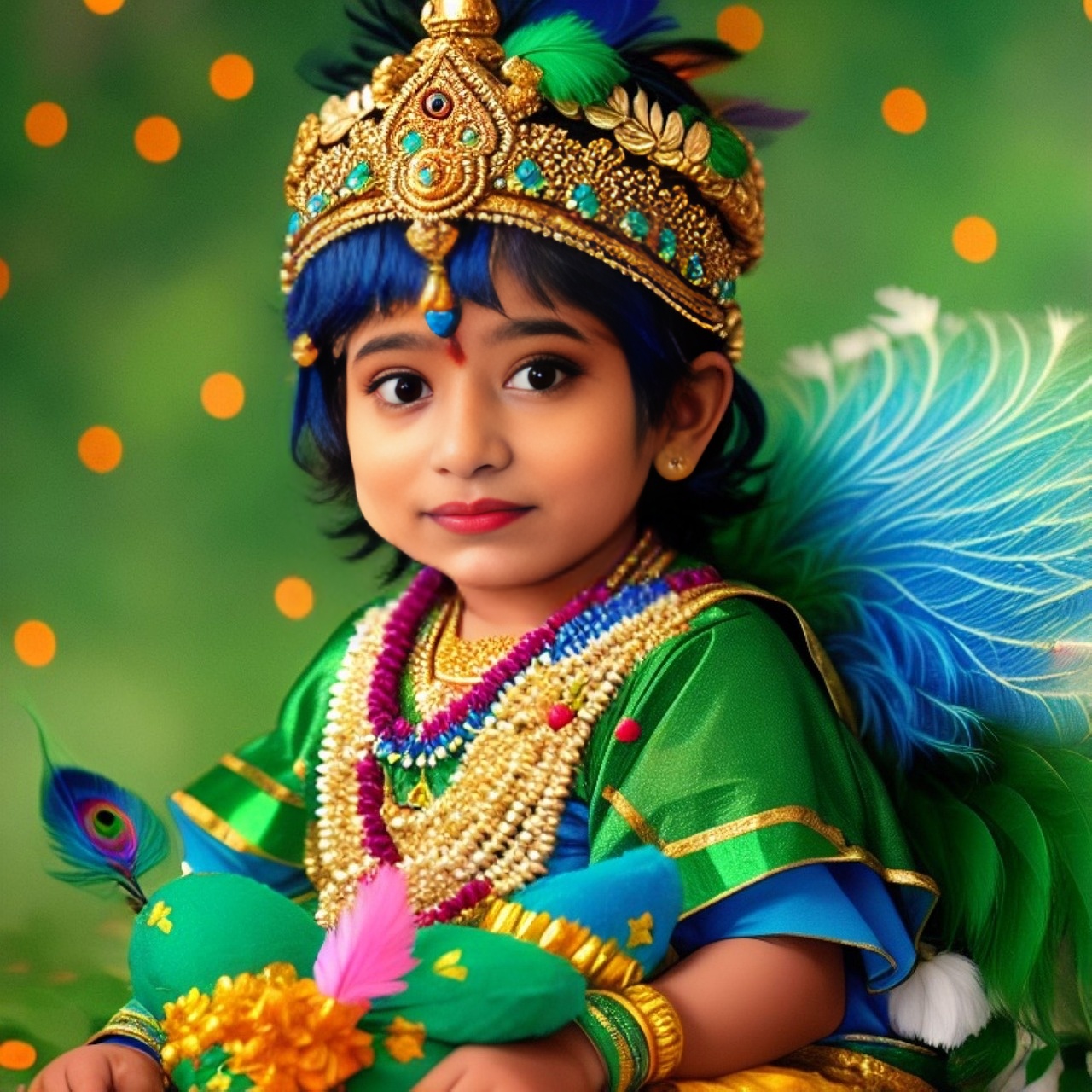
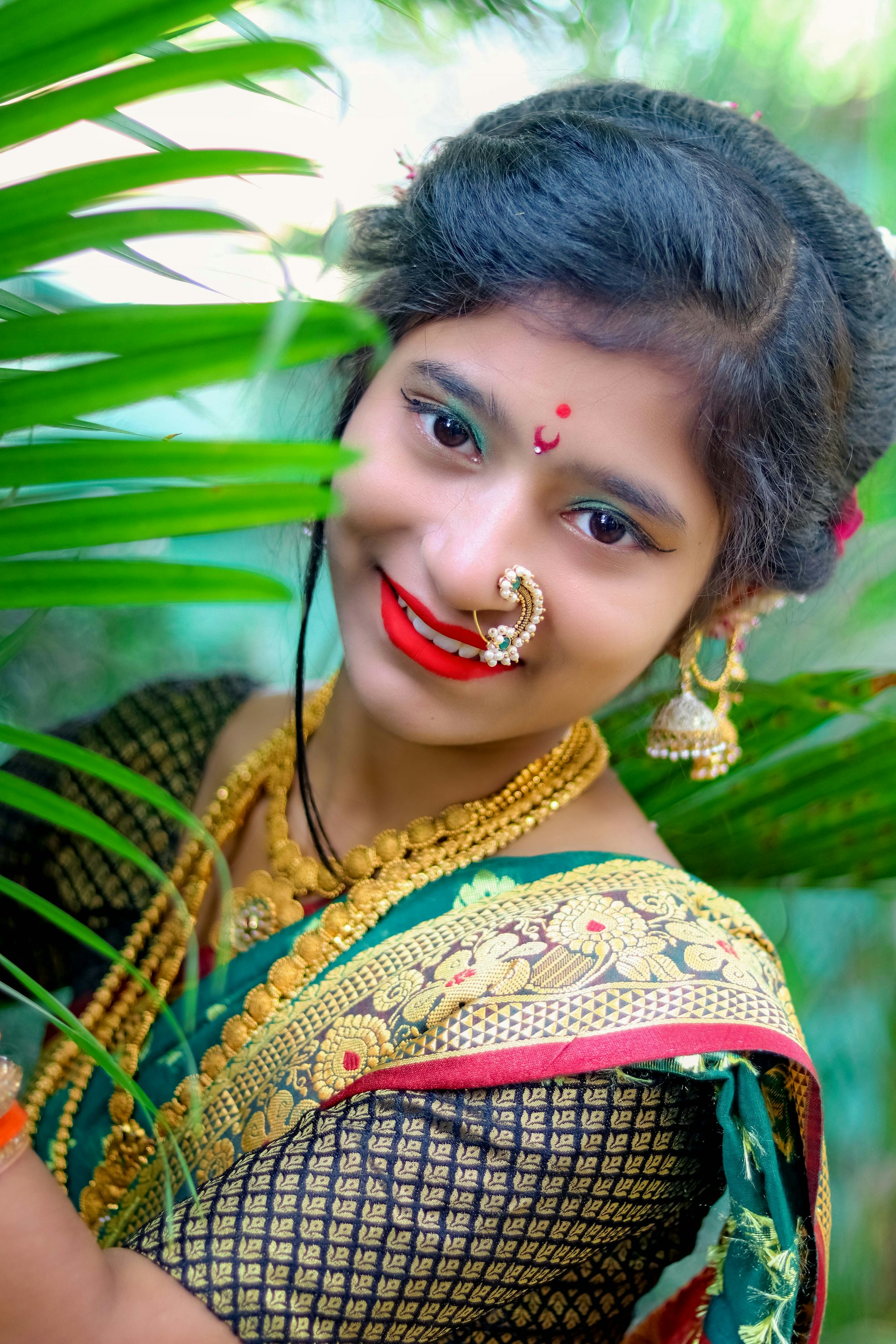
Artistic Style
Apply beautiful artistic filters and themes
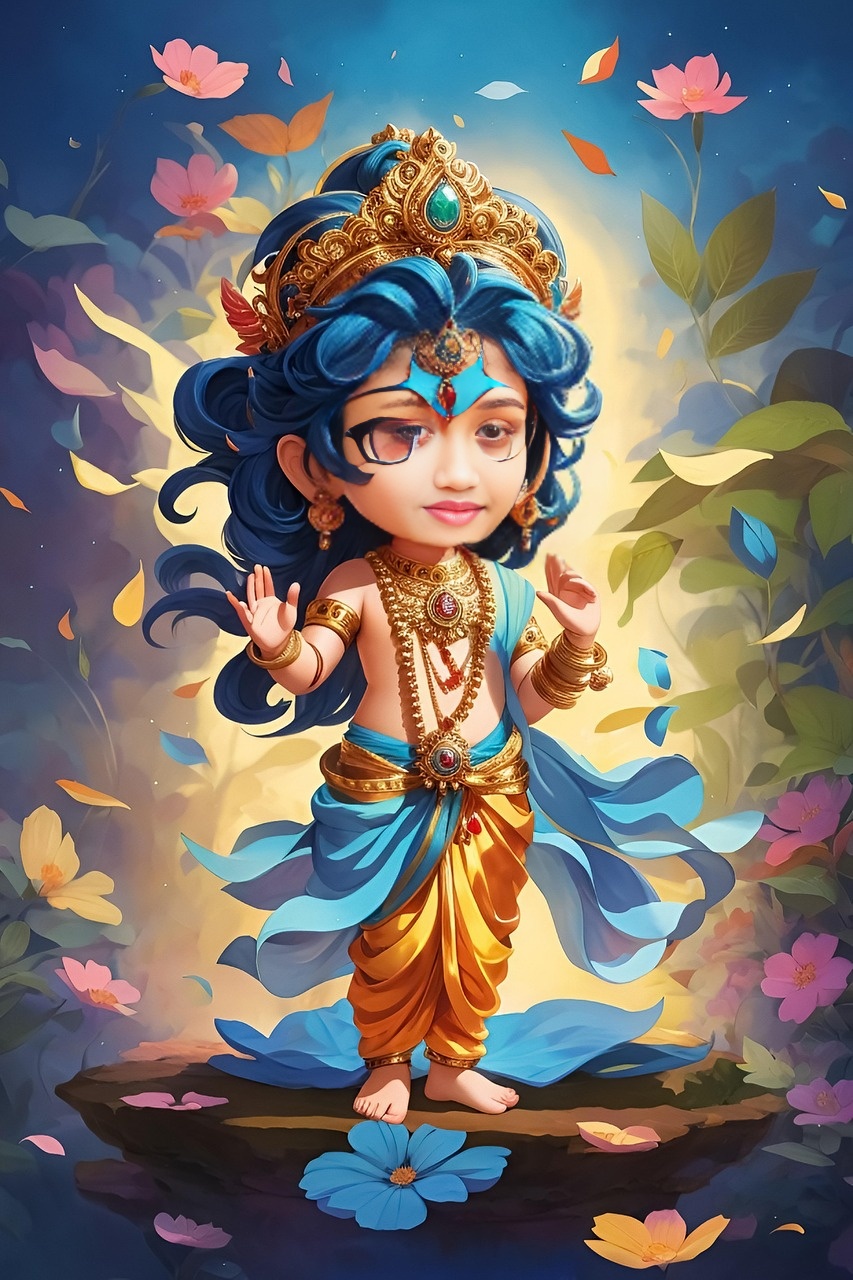
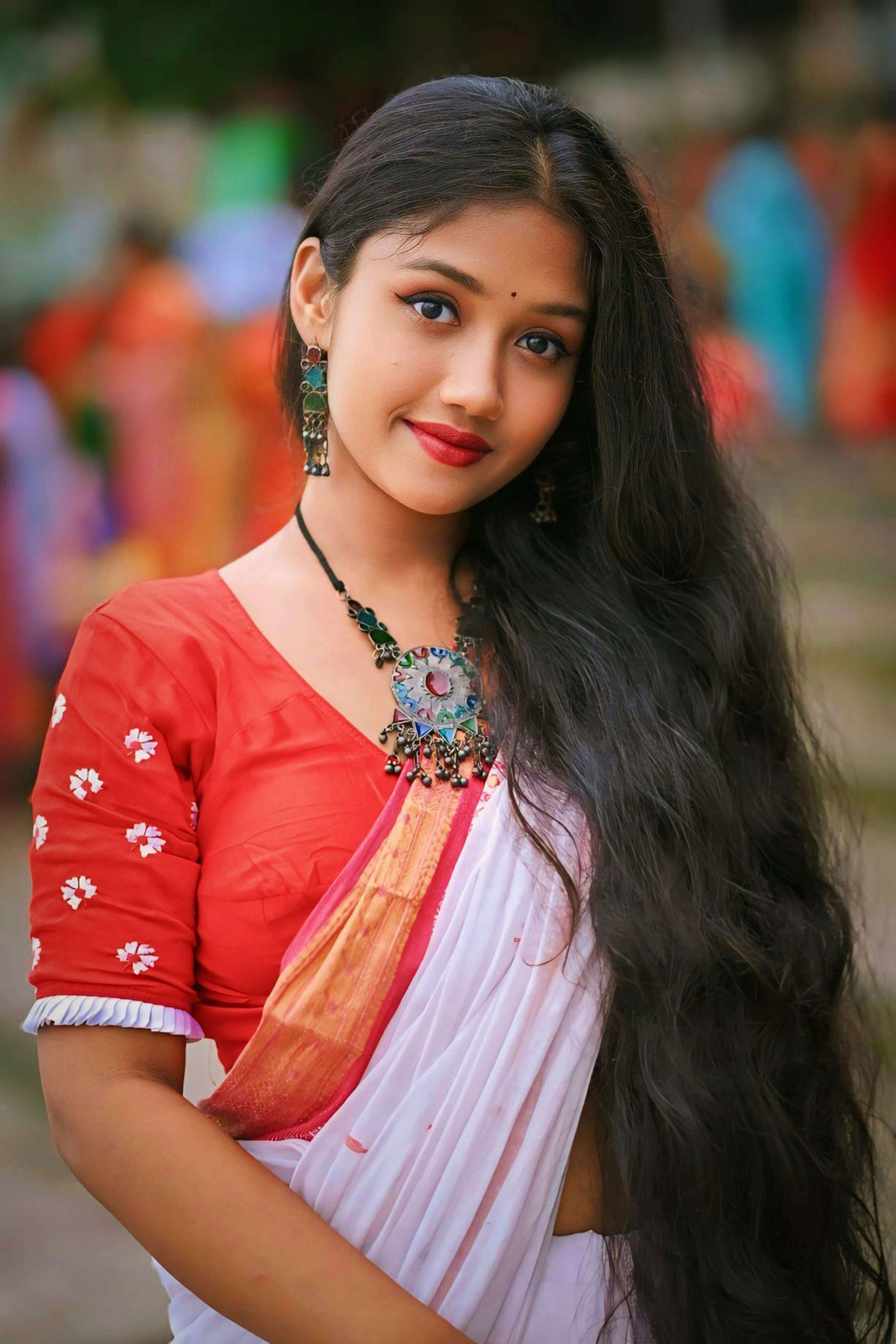
Complete Makeover
Full costume and scenery transformation
Transform into Krishna Style in Just 3 Steps
Upload Photo
Choose a clear front-facing photo from your device. Our “Krishna Photo Editor” supports formats like JPG, PNG, and more.
Automatic Transformation
Our AI automatically identifies faces and adds classic “Krishna edit” elements such as peacock feathers, headwear, and divine backgrounds.
Download & Share
Preview your “Krishna-style photo,” download high-definition, watermark-free images directly, or share instantly on Instagram, WhatsApp, and Facebook.
Explore Our Krishna Photo Generator Features
Smart AI Effects
Our tool uses advanced AI, going beyond simple stickers. It intelligently blends light and shadow, making your photo look like a true “Krishna artwork.”
Rich Decorative Elements
Freely choose or randomly add various divine ornaments, including “peacock feather,” “flute,” “tilak,” and “Vrindavan style backgrounds.”
Optimized for Social Media
Generated photos are perfect for your “WhatsApp DP,” “Instagram profile picture,” or for posting during “Janmashtami.” Be the center of attention among your friends!
Completely Free, No Watermark
We promise that this “online Krishna photo maker” will always be free, and downloaded images will be absolutely watermark-free.
What is the “Krishna Edit” Style?
The “Krishna Edit” is a popular visual style on social media that imitates the aesthetics of Lord Krishna through specific symbols (peacock feathers, flutes, ornate attire, and backgrounds). It's a modern, digital way to express devotion and creativity. This style is especially popular during festivals like Janmashtami. Now, you don't need complex Photoshop skills; use our online tool to easily create your own Krishna Edit.
Frequently Asked Questions
How to create a Krishna-style WhatsApp DP?
It's very simple! Just upload your photo using our tool, download the generated image, and then change your WhatsApp Display Picture (DP).
Is this Krishna photo editor free?
Yes, our tool is 100% free, and the downloaded photos are watermark-free.
Can I add a Radha-Krishna frame to my photos?
Currently, our AI focuses on single-person Krishna-style transformations. We are planning to add Radha-Krishna dual frames in the future.
How long does it take to create a photo?
It usually takes only 5-10 seconds. After uploading your photo, our powerful servers immediately begin processing.
🔒 Privacy: Photos are processed securely.Terms