
Are Grok Imagine Videos Public? The Hidden Privacy Risks You Need to Know
Are Grok Imagine Videos Public? The Hidden Privacy Risks You Need to Know
By AI Research Assistant
You’ve just generated an incredible AI video using xAI’s Grok. It’s funny, perhaps a bit edgy, or maybe personal. You didn’t share the link with anyone, so you assume it’s sitting safely in your private gallery, visible only to you.
But is it?
If you are asking, “Are Grok Imagine videos public?”, the short answer might unsettle you: Yes, in terms of technical architecture, they often are.
Before we dive into the technical reality of xAI’s privacy settings, if you are looking for a seamless, user-friendly way to leverage the Grok Imagine model for video generation without navigating the complexities of the main interface, we highly recommend using celebrityai.club. It provides a streamlined gateway to access these powerful video generation tools efficiently.
Now, let’s peel back the layers of xAI’s infrastructure to understand where your data actually lives.
The “Public Bucket” Reality
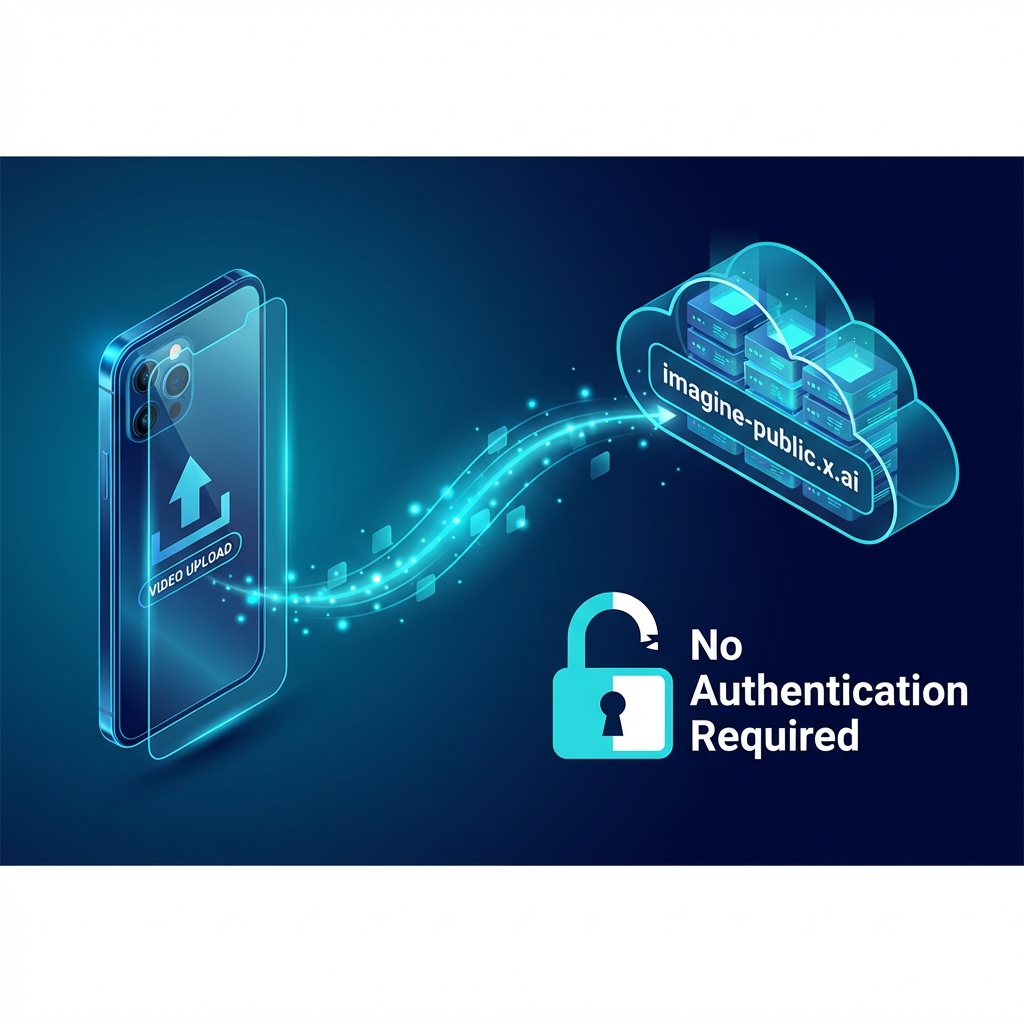
When you generate an image or video with Grok Imagine, the file is not stored in a private, encrypted vault that requires your password to open. Instead, technical analysis confirms that these assets are hosted on a Content Delivery Network (CDN) with a very telling domain name:
imagine-public.x.ai
This means that the file itself is accessible to anyone on the internet who has the link. There is no login screen, no “verify it’s me” check, and no cookie requirement. If a stranger gets the URL to your video, they can watch it instantly.
Is it easy to guess my video link?
Not exactly. xAI uses a method called “Security through Obscurity.” They assign your video a filename consisting of a UUID (Universally Unique Identifier)—a random string of 128-bit characters (e.g., 510caa5a-b8ba-488f-84fe-fe3ecc1358af).
Mathematically, it is nearly impossible for a hacker to “guess” this random string by brute force. However, “unguessable” is not the same as “private.” If you share that link once, or if a browser extension sniffs it, the link is effectively public forever.
The “Unlike” Button Lie: Why Your Data Stays Online
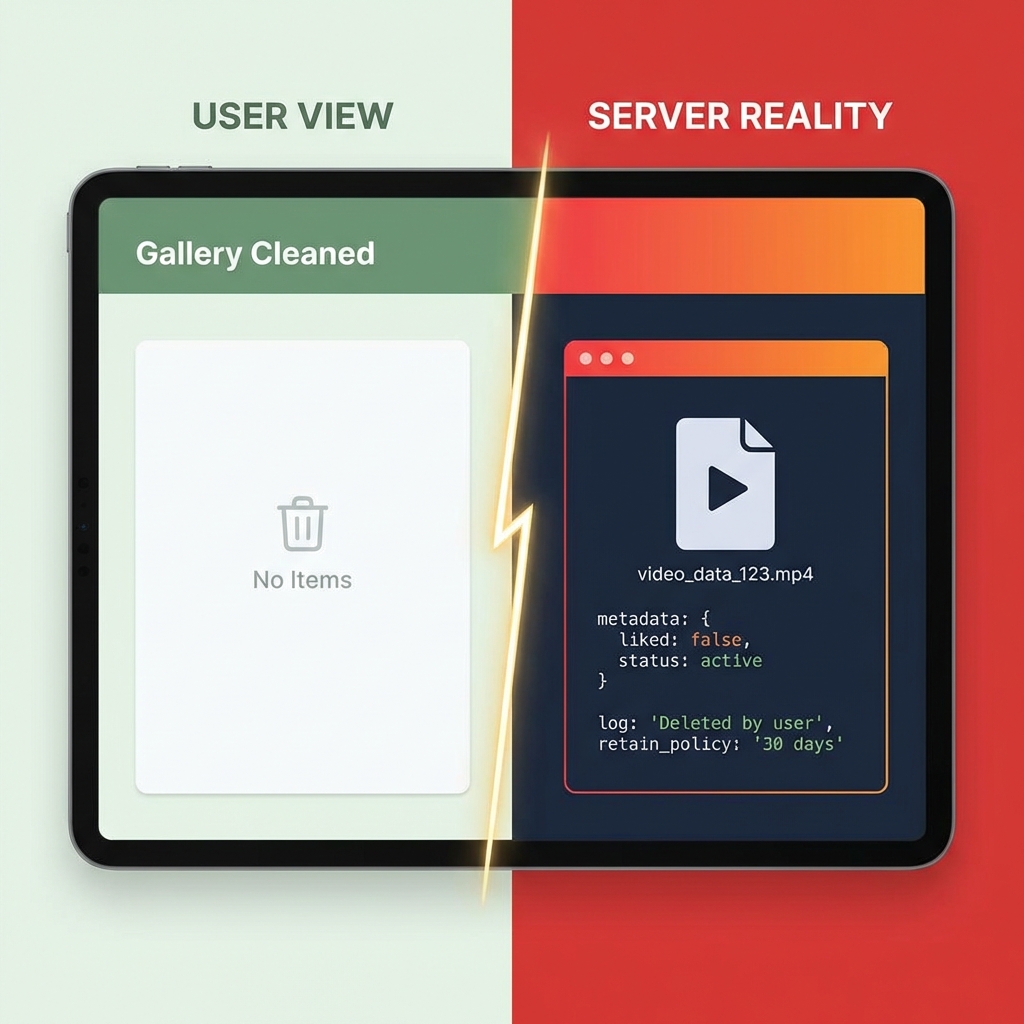
One of the most dangerous misconceptions about Grok Imagine is how deletion works. You might think that “unliking” a video in your gallery removes it from the internet.
Research shows this is false.
When you unlike a video, the system merely updates a tag in the database to say "liked": false. It hides the video from your personal view, but the file remains on the server, and the public link remains active.
Technical users have discovered that to truly delete content, one must send a specific command to the backend API (/delete endpoint). The standard user interface often gives you a false sense of security, leaving “deleted” content accessible via direct links for months.
The Leak Vectors: How Private Links Become Public
Even if you never share your link, your “private” generations can be exposed through several channels:
-
Search Engine Indexing: There have been reports of Grok-generated pages and links being indexed by search engines like Google. If your link ends up in a search result, it is public to the world.
-
The “Community Feed” Risk: The standalone Grok app and specific third-party integrations often feature “Community Feeds” or “Public Galleries.” If the algorithm picks up your generation as “high quality” or “trending,” it could be pushed to these public feeds automatically, displaying both your video and the specific text prompt you used to create it.
-
Aggregator Sites: Because the links are technically public, third-party scrapers and “deepfake” forums have been found compiling lists of thousands of Grok video links. One investigation found a cache of over 1,200 direct links to user-generated content shared on external forums.
Actionable Steps: How to Protect Yourself
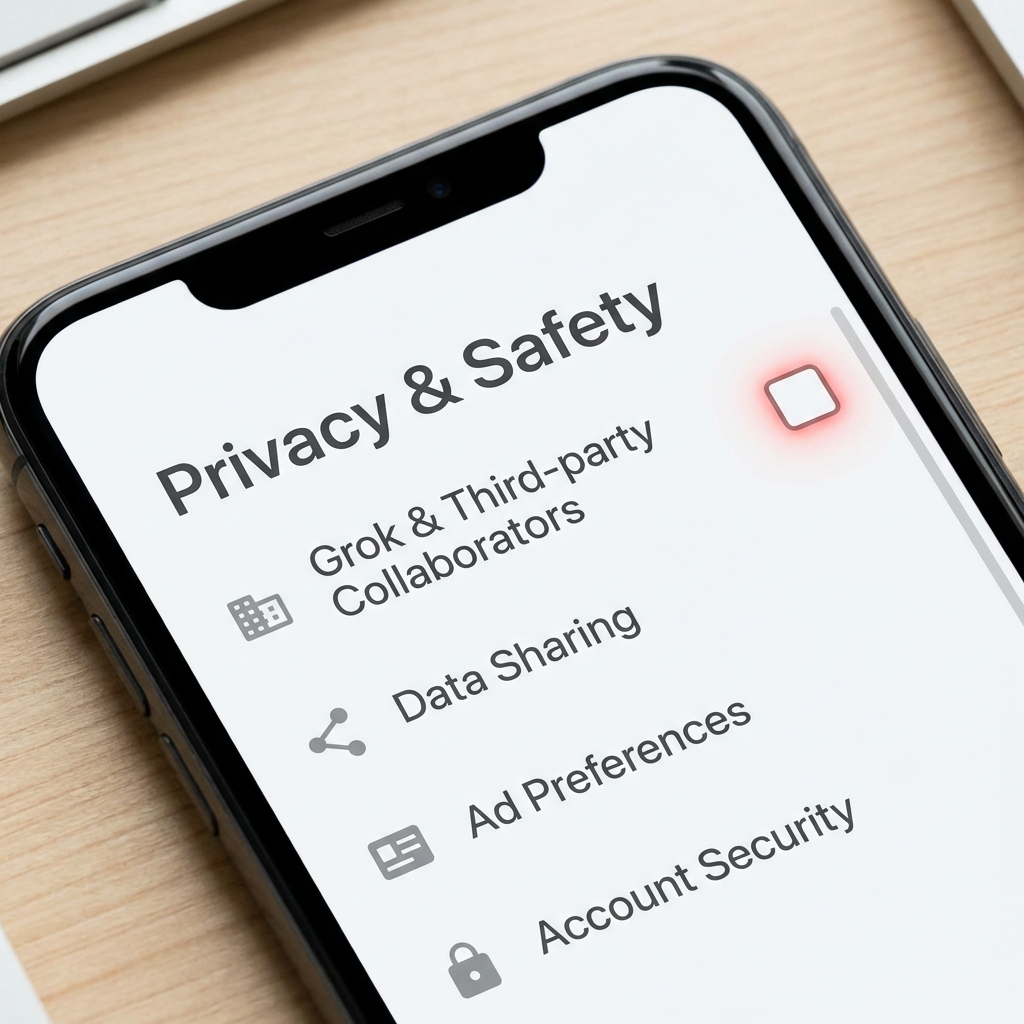
If you use Grok Imagine, you must assume Zero Trust regarding privacy. Here is how to lock down your data:
-
Opt-Out of Training: By default, xAI uses your inputs and generations to train their next models. Go to Settings > Privacy & Safety > Grok & Third-party Collaborators and uncheck the data sharing option. This reduces the likelihood of your content being processed internally.
-
Don’t “Share” to View: Avoid clicking the “Share” button just to copy a link for yourself. This often moves the content from a temporary state to a more permanent public index.
-
Use Trusted Gateways: As mentioned earlier, platforms like celebrityai.club can offer a more focused interface for using these models, potentially abstracting some of the direct “social sharing” risks associated with the main X platform.
-
Treat It Like a Billboard: Never put personally identifiable information (PII), private addresses, or sensitive photos into the prompt or image upload. Assume that anything you generate could eventually be seen by the public.
Final Verdict
Are Grok Imagine videos public?
Technically, they are “unlisted public” files. They are secure only as long as the link remains a secret. Given the “soft delete” mechanisms and the existence of public community feeds, you should treat Grok Imagine as a public broadcasting tool, not a private creative studio.
Disclaimer: Privacy policies and technical architectures change rapidly. Always check the latest Terms of Service on the platform you are using.