
Grok Image to Video Prompts: 12 Patterns for Cleaner AI Motion
As of May 2026, xAI’s Imagine docs describe image-to-video as a 2-input workflow: a still image becomes the starting frame, and a text prompt guides the motion. That means Grok image to video prompts should not describe a whole movie. They should tell the model what moves, how the camera behaves, and what must stay consistent.
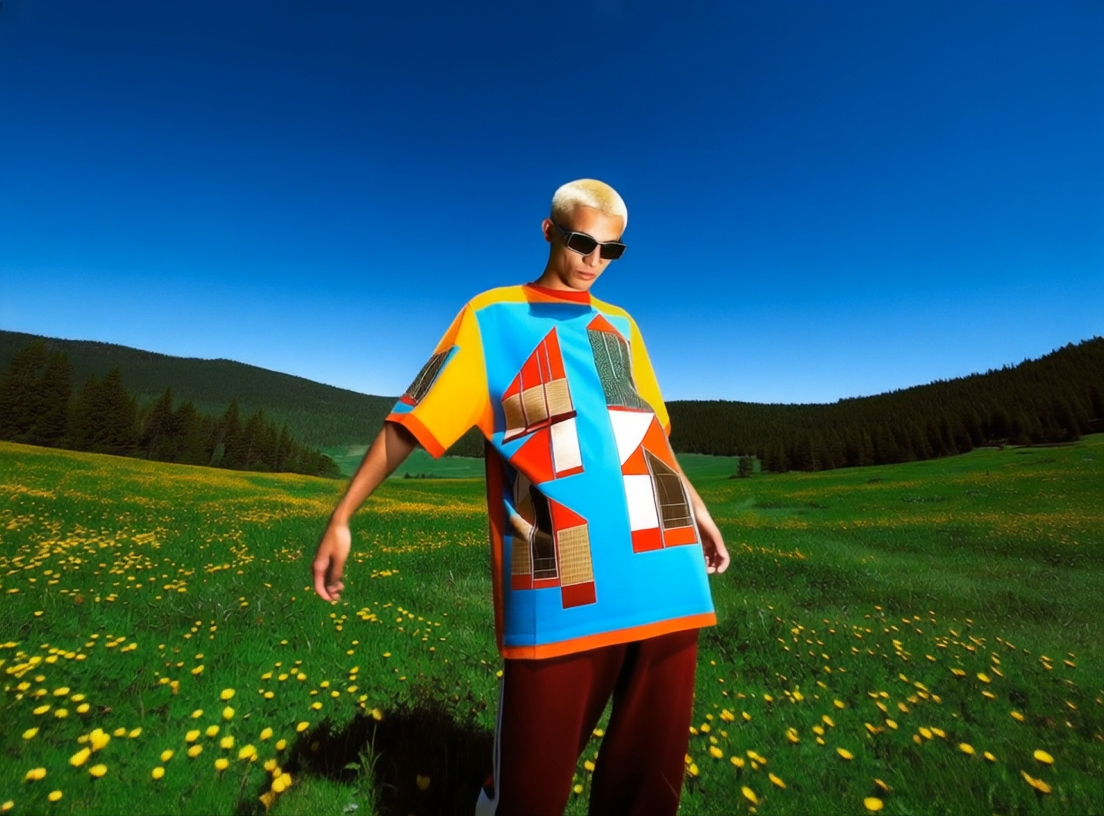
The cleaner prompt is usually shorter than the ambitious one.
The Basic Prompt Formula
Use this structure:
[subject] + [one motion] + [camera direction] + [mood or lighting] + [what stays unchanged]
Example:
"The subject smiles slightly and turns toward the window. Slow push-in camera, soft daylight, natural expression. Keep the face, outfit, and background consistent."
If you want the product workflow, open Grok Image to Video. If you want a broader creator tool, compare it with the Celebrity Video Generator.
12 Prompt Patterns
Use these as templates, then swap in your own subject and setting.
| Pattern | Prompt template | Best for |
|---|---|---|
| Gentle portrait | “The subject breathes naturally and gives a small smile. Slow camera push-in. Keep facial identity consistent.” | Profile clips |
| Product reveal | “The product rotates slightly on the table as the camera slides left. Clean studio lighting. Keep label readable.” | Ecommerce |
| Weather motion | “Wind moves the hair and fabric gently. Static camera. Keep the face sharp and background stable.” | Fashion, portraits |
| Food close-up | “Steam rises from the dish while the camera moves closer. Warm restaurant lighting. Keep the plate shape unchanged.” | Restaurants |
| Event teaser | “The lights brighten and the crowd energy builds. Slow handheld camera feel. Keep the venue layout consistent.” | Events |
| Pet motion | “The pet tilts its head and blinks. Camera stays still. Keep fur pattern and eyes consistent.” | Fun social clips |
| Cinematic walk | “The subject takes one slow step forward. Camera tracks backward. Keep outfit and face stable.” | Character shots |
| Before-after reveal | “The camera pans from the messy setup to the finished result. Smooth motion. Keep the scene realistic.” | Tutorials |
| Birthday greeting | “The subject raises one hand in a small wave. Soft confetti motion in the background. Keep expression warm.” | Messages |
| News-style shot | “The presenter looks into camera and nods once. Subtle newsroom background motion. Keep mouth movement natural.” | Announcements |
| Art animation | “The illustrated character blinks and the background light shifts. No major pose change.” | Artwork |
| Calm loop | “Water ripples gently while the camera remains locked. Keep horizon and main subject steady.” | Background loops |
Use one motion per prompt for the first generation. If the result is stable, add a second motion in the next pass.
What To Put In The Image
The image does half the work. A prompt cannot fully rescue a poor source frame.
Use:
- A clear subject with visible edges.
- Enough room around the subject for motion.
- A JPG, PNG, or WebP that is not heavily compressed.
- Lighting that matches the movement you want.
- A background that can move subtly without distracting.
Avoid tiny faces, busy crowds, unreadable product labels, and images where the subject is already blurred. If the first frame is confusing, the video will probably become more confusing.
Motion Words That Behave Better
Some motion verbs are easier to control because they describe small changes.
Good first-pass verbs:
smiles, blinks, turns slightly, nods once, waves gently, steam rises, camera pushes in, fabric moves, light shifts
Riskier first-pass verbs:
runs, jumps, spins fast, transforms, fights, explodes, changes outfit, becomes another person
The goal is not to avoid drama forever. The goal is to get one clean baseline before you ask for more.
Export Planning
Plan the platform before you generate too many variants. YouTube Help says many square or vertical clips up to 3 minutes can be categorized as Shorts, but a prompt test should be much shorter. For Reels, Shorts, and TikTok-style clips, start vertical when possible so you do not crop away the motion later.
If the clip needs speech, combine this workflow with AI lip sync. If it is a personalized greeting, use the AI celebrity video generator for personalized messages instead of forcing every idea through image-to-video.
Debug A Bad Result
Use this quick diagnosis:
| Problem | Likely cause | Fix |
|---|---|---|
| Face changes | Prompt asks for too much motion | Add “keep facial identity consistent” |
| Camera jumps | Motion and camera direction conflict | Choose either subject motion or camera motion |
| Product label melts | Text is too small or angled | Use a cleaner product image |
| Background warps | Scene is too busy | Crop tighter or simplify the prompt |
| Clip feels dull | Motion is too weak | Add one specific action, not five |
Do not keep rerunning the same prompt and hoping for a different category of result. Change one variable: image, motion, camera, or style.
Where CelebrityAI Fits
CelebrityAI is useful when you want a browser-based way to test image-to-video ideas, then move into related workflows like lip sync, birthday messages, or celebrity-style video generation. The practical habit is the same across all of them: spend credits on controlled tests, not vague prompts.
Open Grok Image to Video with one strong image and one motion sentence. Generate a short test, review the identity and camera movement, then build the final clip.
FAQ
What should a Grok image to video prompt include?
Include the subject, one motion, camera direction, mood or lighting, and what should stay unchanged.
Should I write long prompts?
Not for the first pass. Start short, get a stable result, then add detail if the motion is controlled.
Can I use product photos?
Yes, but use a clean, high-resolution product image. Keep labels large and avoid asking the model to rotate text-heavy packaging too aggressively.
What if the face changes?
Reduce the motion, crop closer to the face, and add a consistency instruction such as “keep facial identity, hairstyle, and outfit unchanged.”